
Woodfin Court Docket Searches
Woodfin has a Police Department. Yet the town offers no municipal criminal court, no docket, no calendar, no case search, and no traffic-payment portal. Woodfin citations, misdemeanors, infractions, and preliminary felony matters instead move through Buncombe District Court. The Buncombe County Clerk of Superior Court keeps those files. A Woodfin court-record search therefore starts at the North Carolina eCourts Portal. There the public can pull a Case Summary or Register of Actions.
- Open Smart Search and enter the Woodfin citation, case number, or party name.
- Use Advanced Filter Options after the initial search criteria.
- Select Buncombe as Location and use the documented search type.
- Open the case number result to inspect Case Events, hearings, disposition, and financial information where displayed.
- For a missing Woodfin court result, check the ticket and call Criminal/Traffic at 828-259-3402.
No filing account is needed for a Public Portal search. Copy the full case number straight from the court or the citation, because a guess usually fails. A broad Woodfin name query can return 200 results, so narrow things down with the available dates, case types, and location filters.
Woodfin Portal Case Search
Smart Search accepts several entry points. Party name works. So do case number, citation number, attorney information, business name, and other published values. For Woodfin results, the Buncombe Location filter does the most work. Advanced filters cannot run on their own; a basic search criterion has to come first. Search Hearings is its own Portal tool for current settings. It has its own required live fields. The official North Carolina eCourts Portal shows the live interface.
This statewide interface is the online route for Woodfin court records. It is not a town court search.
| Woodfin Portal field | Role | Practical use |
|---|---|---|
| Search Criteria | Starts the case query | Enter case number or party name. |
| Citation Number | Finds a ticket | Choose the advanced Search Type. |
| Location | County focus | Select Buncombe when it is offered. |
| Case Number result | Opens record | Shows the public Case Summary. |
A Case Summary is handy for a Woodfin timeline. It is not the certified record, though. For an official court-file copy, turn to the Buncombe Clerk.
Inside the Woodfin Municipal Court
Despite the heading above, Woodfin has no Municipal Court. The town posts no municipal criminal court and no court portal of its own. Anyone hunting online for a town docket or a Woodfin court counter should know that up front. The right court system starts with Buncombe District Court, not a separate Woodfin judicial office. Woodfin counted 7,936 residents in the 2020 Census. Population and a Police Department do not change state court jurisdiction. District Court handles misdemeanors, traffic, infractions, and its other matters. A felony can reach Superior Court. So can a qualifying appeal. The same Buncombe Clerk maintains the state court record either way.
Woodfin Police Contact Records
Need an incident report, an administrative matter, or a question about the officer who wrote a citation? Woodfin Police is the right local contact. The department's official material lists the office at 90 Elk Mountain Road, Woodfin, NC 28804. Phone is 828-253-4889. Note the Asheville ZIP. A visitor scanning only for a mailing city can miss the actual Woodfin police location. The official Woodfin town page gives the town's own municipal details.
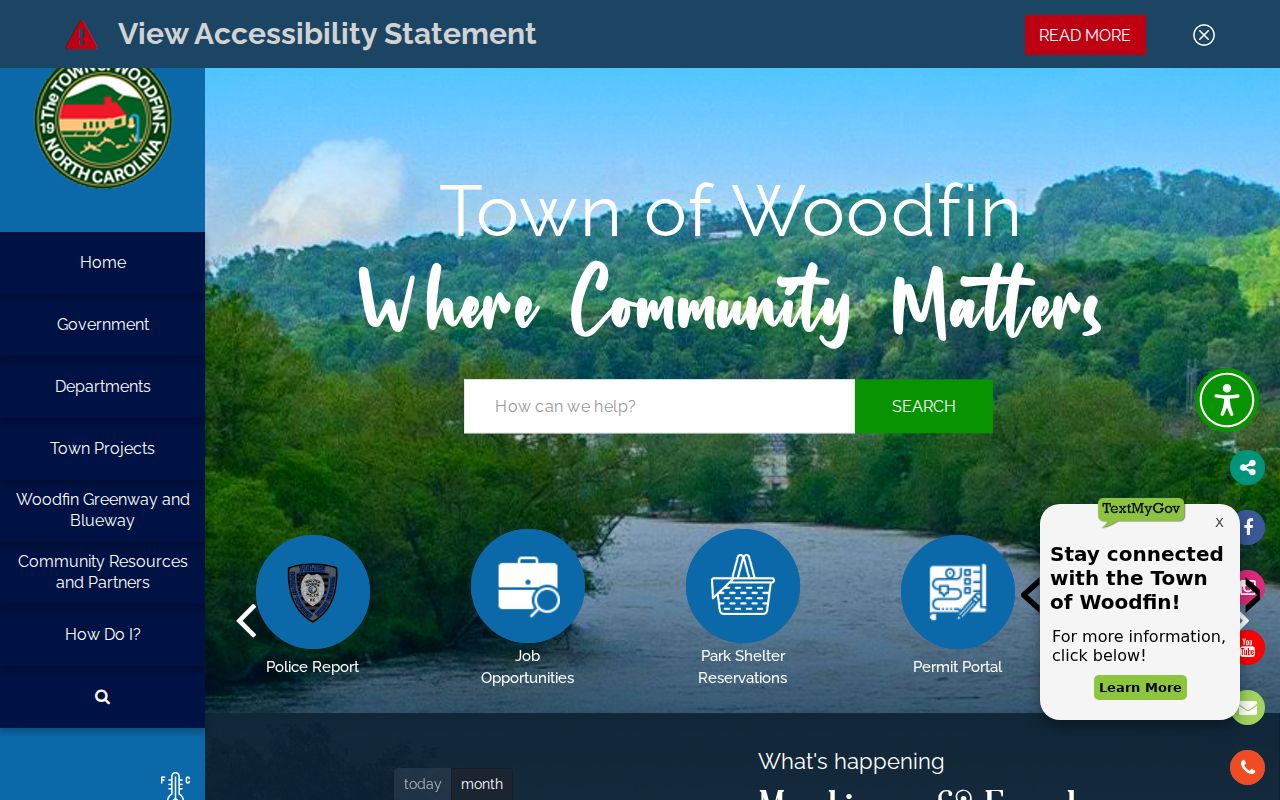
Woodfin Police contact details help with police administration. They do not create a court-record request route for Woodfin.
Finding Woodfin Court Dates
A Woodfin state citation may list an initial date. That date may not be the one still on the books. For the current court setting, run Portal Search Hearings after the case search. Set Location to Buncombe, pick the available Hearing Type, choose a Search Type. Enter its value, set the date range, and submit. Portal's hearing menus are live and shift with the state system's options. Read them rather than guessing from a city label.
| Date | Use the current displayed hearing date. |
|---|---|
| Time | Read the time in the hearing result. |
| Location | Confirm the Buncombe court location or courtroom shown. |
| Hearing Type | Choose the live Portal option. |
| Case information | Compare the hearing with later Case Events. |
A past event is not a current Woodfin setting. If Portal and a notice disagree, confirm the hearing with the Criminal/Traffic Division at 828-259-3402.
Woodfin Court Docket Boundaries
Woodfin Police alarm-permit material does confirm the department's local contact details. An alarm permit form, though, is not a Woodfin court-record form. It collects business or residential choices. Address, contact, and alarm details serve a municipal purpose. No court case number, hearing calendar, payment portal, or Case Summary comes from it.
- Police report
- An incident record kept through the police route.
- Case Summary
- Portal's public overview of a state court case.
- Register of Actions
- Another name for the public chronological court history.
- Case Event
- A dated filing, order, hearing, or other court action.
For Woodfin court records, the Clerk and Portal are the route. For a Woodfin police administration question, use the town's police contact. The two records are not interchangeable.
Woodfin Traffic Ticket Lookups
A Woodfin traffic citation heads into the state court route. In Portal, select Citation Number as the advanced search type. You can also search by case number or party. Where public information is available, Portal can show the case history and hearings. Search Hearings then gives the current setting. Woodfin posts no town traffic-payment court portal as a substitute.
Whether a court appearance is required depends on the ticket plus the current state waiver list. So does a possible waiver. Someone who declines to waive can appear as directed. The state court file stays with the Buncombe Clerk. For the wider pay-versus-contest explanation, see Buncombe traffic court records.
Woodfin Court Date Fallback
A stale date on a Woodfin citation proves nothing. Cases get continued all the time, so treat a printed date as a starting point only. Search Portal first with the citation number or case number copied exactly, using the Buncombe location. Then run Search Hearings for the date in question. If the docket shows a newer Case Event, or the Clerk has confirmed a setting, trust that over the citation.
Still stuck? Call Buncombe Criminal/Traffic at 828-259-3402, since a required appearance may come with instructions that only apply in person. Some Woodfin state-court questions the online docket cannot settle. For those, the Clerk's counter at 60 Court Plaza remains the public fallback.
Current date warning: an old Woodfin ticket or historical Portal event can be outdated, so confirm the live setting before appearing or making a payment.
How Woodfin Cases Reach the County
Woodfin skips a middle layer. There is no city criminal court in between. Woodfin Police action goes straight to the Buncombe County system. A citation written in Woodfin lands in District Court, which handles ordinary traffic matters, infractions, and misdemeanors. Felonies and qualifying appeals move up to Superior Court. From there, an appeal raising a legal error can reach the North Carolina Court of Appeals.
Record flow: Woodfin Police citation → Buncombe District Court / eCourts Portal → Buncombe County Clerk of Superior Court → Superior Court when appropriate.
For the wider county picture, the Buncombe County court docket adds context beyond Woodfin itself. Woodfin stays the originating municipality, while the Clerk and Portal serve as the court record channels.
Woodfin Clerk Court Copies
One office holds the file. The Buncombe County Clerk of Superior Court keeps every Woodfin state court file, and the Clerk at 60 Court Plaza in Asheville handles public inspection, terminals, copies, and certification. The Woodfin police office does not. A Portal result can point you toward the right case, yet only the clerk-issued copy counts as the official document for a public case.
Buncombe County Clerk of Superior Court
60 Court Plaza
Asheville, NC 28801
Criminal/Traffic: 828-259-3402
State court inspection, copy, certification, and case-status route for Woodfin matters.
Bring the citation or case number with you. It lets the Clerk match a Woodfin inquiry to the correct District Court or Superior Court record.
Who Can See Woodfin Court Records
North Carolina access rules govern who sees a Woodfin court file. G.S. 7A-109 sets out the Clerk's duties over court records, dockets, files, and indexes, along with general inspection access. G.S. 132-1 declares public records public property. It generally allows copies at minimal or actual cost unless a confidentiality law applies.
Public access: Woodfin does not have a separate city court archive. Portal and the Buncombe Clerk provide public state-court access, subject to sealed, confidential, and restricted records.
Portal is a public access layer, not the official record. When a Woodfin online search comes back thin, public inspection through the Clerk is the dependable route.
Woodfin Court Record Limits
Some Woodfin records stay closed. Juvenile delinquency files are restricted under G.S. 7B-3000, and abuse, neglect, and dependency records under G.S. 7B-2901. A name search never opens a sealed, expunged, or confidential Woodfin case. Portal also holds back sensitive identifiers, including public Social Security-number validation.
A search may miss an expected public case. Check the name, citation, case number, and Buncombe location before calling the Clerk. An empty web result does not prove a case never existed or that a record was expunged.
For a public but confusing Woodfin entry, compare the citation against the Portal Case Summary before picking up the phone. A spelling variation can skew the result. So can a missing county filter or a name query cast too wide. The Woodfin police office can answer questions about a local incident. A Woodfin court status question belongs with the Clerk, and keeping that line clear stops a city contact from being mistaken for the court's custodian. Keep the ticket and every later notice, too. Later court action can change a scheduled Woodfin setting.