
Buncombe County Civil Docket Searches
For Buncombe civil Case Summaries, the public route is the North Carolina eCourts Portal. Open Smart Search and enter a case number, or use a party or business name. From there, pick Buncombe where the location filter allows it. Civil Actions, case status, and filing-date filters will trim a long result list. Click the Case Number line to open the Case Summary. Some screens label that page the Register of Actions. File & Serve exists too. That tool handles North Carolina e-filing, and ordinary public searching never requires it.
- Enter the supplied case number or a precise party or business name in Smart Search.
- Use Buncombe and Civil Actions filters after entering the required search criteria.
- Open the Case Summary and compare the newest Case Event, hearing row, and disposition or financial block when those sections appear.
- For a final money judgment, check NC Judgment Search by party or case number, then return to Smart Search for the fuller timeline.
Treat the Portal as a public timeline and access tool, not the official record itself. A result may show only the blocks that hold information. When a Buncombe case is older, thin online, or confusing, go local. The Buncombe County Clerk of Superior Court keeps the official file. Public terminals plus paper access wait at 60 Court Plaza. The official eCourts Portal supplies the Smart Search used for Buncombe civil docket lookups. It also shows what each public Case Summary contains.
That Portal page is only the front door. The Buncombe Case Summary behind it holds the public civil event history you actually want.
Buncombe Civil Court Dockets Follow Three Routes
Buncombe civil cases run through three routes, not separate county civil courts. A magistrate handles small claims. District Court takes most everyday civil matters and family issues. Superior Court carries the larger cases. Money thresholds and subject matter hint at the path. But the Case Summary assignment is what counts. Family matters sit in District Court even without a dollar test. All three routes lean on the same Buncombe Clerk and statewide Portal.
| Civil route | Typical docket scope | Buncombe contact |
|---|---|---|
| Magistrate / small claims | Small claims up to $10,000 | Small Claims, 828-259-3407 |
| District Court | General civil matters usually at or below $25,000; family matters | Civil District Trial Court Coordinator, 828-259-6475 |
| Superior Court | Money damages over $25,000 and stated appeals from Clerk matters other than adoption | Civil Superior Trial Court Coordinator, 828-259-6479 |
Civil cases in Buncombe County travel one of three routes. Superior Court handles the larger civil matters. It is formally the North Carolina General Court of Justice, Superior Court Division. A District Court final order can also push a case up to Superior Court through an appeal. From there, legal-error appeals move on to the North Carolina Court of Appeals.
For District 40 civil case-management material, the Buncombe local rules and forms page is the official source. The clerk's office publishes the current versions there.
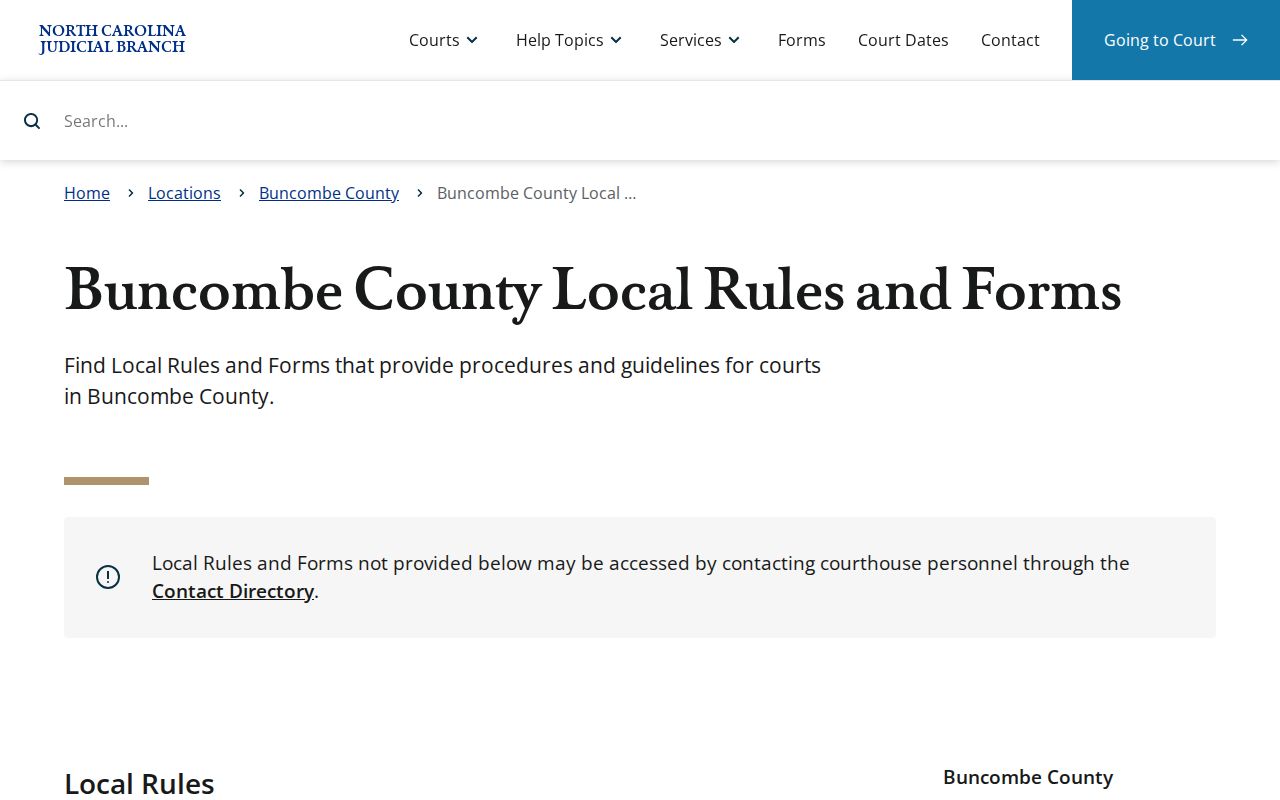
Those local rules keep civil calendar practices tied to the correct District 40 setting.
Civil Dockets: What They Show
A civil Case Summary opens with case and assignment details. Parties and causes of action follow where the record holds them. Then comes the history, labeled Case Events, in date order. Expect to see a complaint, service steps, an answer, motions, notices, hearings, orders, a judgment, or later enforcement work. Those items appear when they exist. One caution applies. The Portal publishes no Buncombe-specific universal event-code dictionary. So read each live label exactly as shown.
| Case and assignment | Case number, type, status, filing, and assignment information when populated. |
|---|---|
| Parties and cause of action | Public party information and the claim category where the case displays it. |
| Case Events | Dated filing, service, motion, notice, order, judgment, or other activity shown in the record. |
| Hearings | Current hearing details when the block is present; confirm a future setting through Search Hearings or staff. |
| Disposition and financials | Outcome and financial sections when applicable; obtain a Clerk-certified copy for an official judgment. |
Not every record fills every block. A blank causes-of-action or financial section may just mean nothing is there to display. Check the newest event against the hearing row, and never assume an old setting is still live.
Buncombe Civil Court Docket Events to Judgment
Plain words make a civil docket easier to follow. A complaint starts the lawsuit. Service means delivering the legal papers. An answer is the responding pleading. A motion asks the court to act, while an order is the court's formal direction. Treat these as examples of record activity, not a promise of what any Buncombe civil case will contain.
- Complaint
- The pleading that starts the civil claim.
- Answer
- A responding pleading filed after a complaint.
- Motion
- A request for a court action shown as a case event when filed or ruled on.
- Judgment
- A final court decision that may have later index or enforcement entries.
A docket and a filed order are different things. The Case Summary is a public index and history; the order or judgment is the real filed document. A certified copy is the Clerk's official, court-issued version. So when the original document matters, name it by date and title for the Buncombe Clerk. A Portal screen is not the certified result.
What Cases Fill the Civil Docket
Several case types fill the Buncombe civil record system. These are small claims, general civil cases, family matters, non-confidential special proceedings, and money judgments. The route defines the docket. Magistrates hear small claims up to $10,000. District Court generally covers civil matters at or below $25,000 plus family matters. Superior Court takes money-damages cases over $25,000. It also takes the Clerk-matter appeals the Civil Division describes.
Smart Search narrows by civil case type, party or business, location, and filing-date range. Those filters separate similar names across a statewide system. They need basic search criteria first, though. If a result list sprawls, apply the civil filter and the date range instead of browsing everything.
For a full workflow covering number and name searching across record types, use the linked Buncombe docket search resource once you know the civil case route.
Buncombe Civil Court Docket Calendar Trigger
Buncombe County follows District 40's civil case-management plan, and that plan sets a clear trigger. Count 120 days from the last pleading. At that point the Trial Court Administrator puts the civil case on the next trial calendar. That calendar needs room for the case. The plan prefers the oldest case number first. Priorities and court direction can change the order, though.
Remember what a calendar entry means. It shows scheduling, not a promise that your case gets tried that day. The docket may still pick up motions, orders, notices, and continuances after the case lands on a calendar. Read the newest Case Event and hearing row to know where a Buncombe civil case truly stands. An older date can mislead if a later order or hearing exists. So check before treating it as final. This local plan also explains a puzzle. Two cases filed around the same time can sit on different calendar tracks.
Note: The 120-day count starts from the last pleading under the civil plan. It does not start from the filing date.
Hearings on the Civil Docket
When a civil setting looks unclear, try Portal Search Hearings. Set Buncombe as the Location first. Then pick a Hearing Type and Search Type. Type in the value it asks for. Enter Date From and Date To before you submit. The Portal does not publish one static Buncombe list of courtroom, judge, or hearing-type labels. Its menus build themselves as you go, which is why. So treat the result row itself as the source for that hearing's date, time, place, and type.
Still stuck? Call the Civil Superior Trial Court Coordinator at 828-259-6479 for a Superior Court civil matter. For District Court, use the Civil District Trial Court Coordinator at 828-259-6475. Questions about a document, a public terminal, or a paper filing go elsewhere. Those go to the Buncombe County Clerk of Superior Court. Each phone number handles its own lane.
Buncombe Civil Court Docket Coordinators
The two District 40 civil coordinator lines work well as a local backup once Smart Search and Search Hearings leave you unsure. One line covers the Superior Court civil calendar. The other covers District Court. A quick call also keeps you from reading an online calendar label as a fixed trial date, since the court record may have moved on after that label appeared.
For broader context, the Judicial Branch posts civil overall caseload activity reports by county, covering filed, pending, and disposed civil matters.
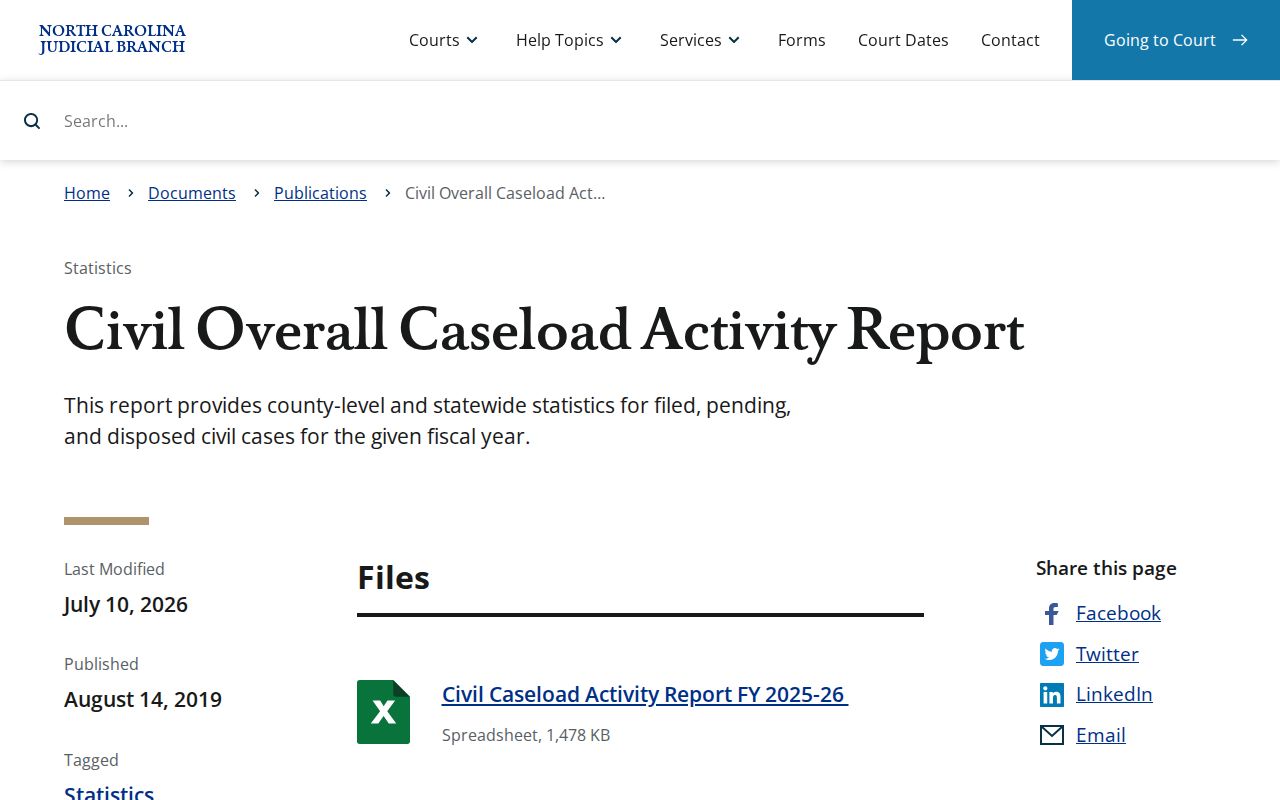
That report gives county-level civil activity context. It does not replace the current Case Summary for your active Buncombe case, and it does not replace a confirmation call to the right coordinator.
Who Can See Civil Dockets
Most civil dockets in Buncombe County are open to anyone. The public can inspect court records and dockets unless a statute makes them confidential. G.S. 7A-109 directs Clerks to keep records, files, dockets, and indexes available for inspection. Another law can bar access, but that is the only exception there. The public-record baseline comes from G.S. 132-1. The Portal supplies public material only. The official local case file sits with the Buncombe Clerk.
Portal access is not certification. A public Case Summary can show the timeline and may link to public documents, but it is not the official court record. Sealed, confidential, and restricted materials are not public Portal content. Ask the Buncombe Clerk for the proper plain or certified copy route when an official document is needed.
The G.S. 7A-109 source supports the civil docket inspection discussion.
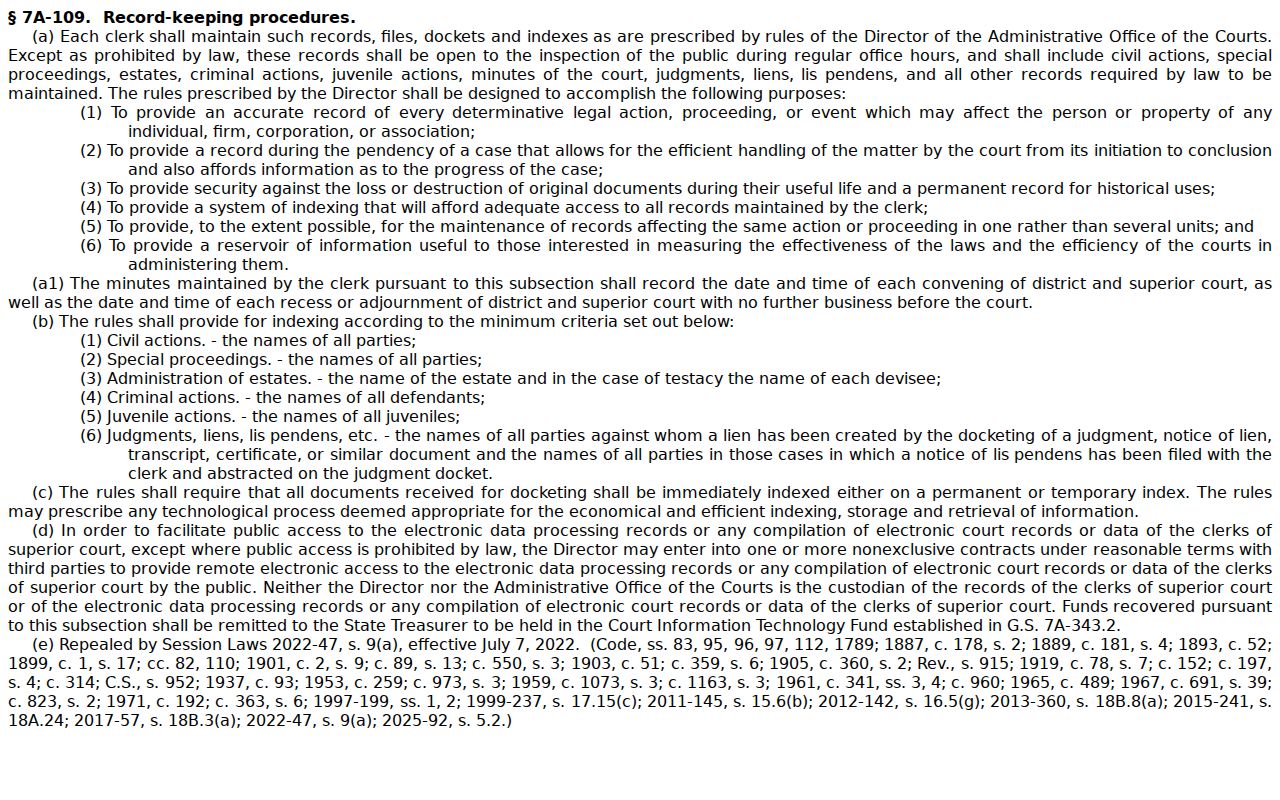
The statute covers the Clerk's recordkeeping and inspection role, limited by confidentiality rules. A separate track exists for bulk access. North Carolina's Remote Public Access Program is the licensed channel for real-time and extract data.
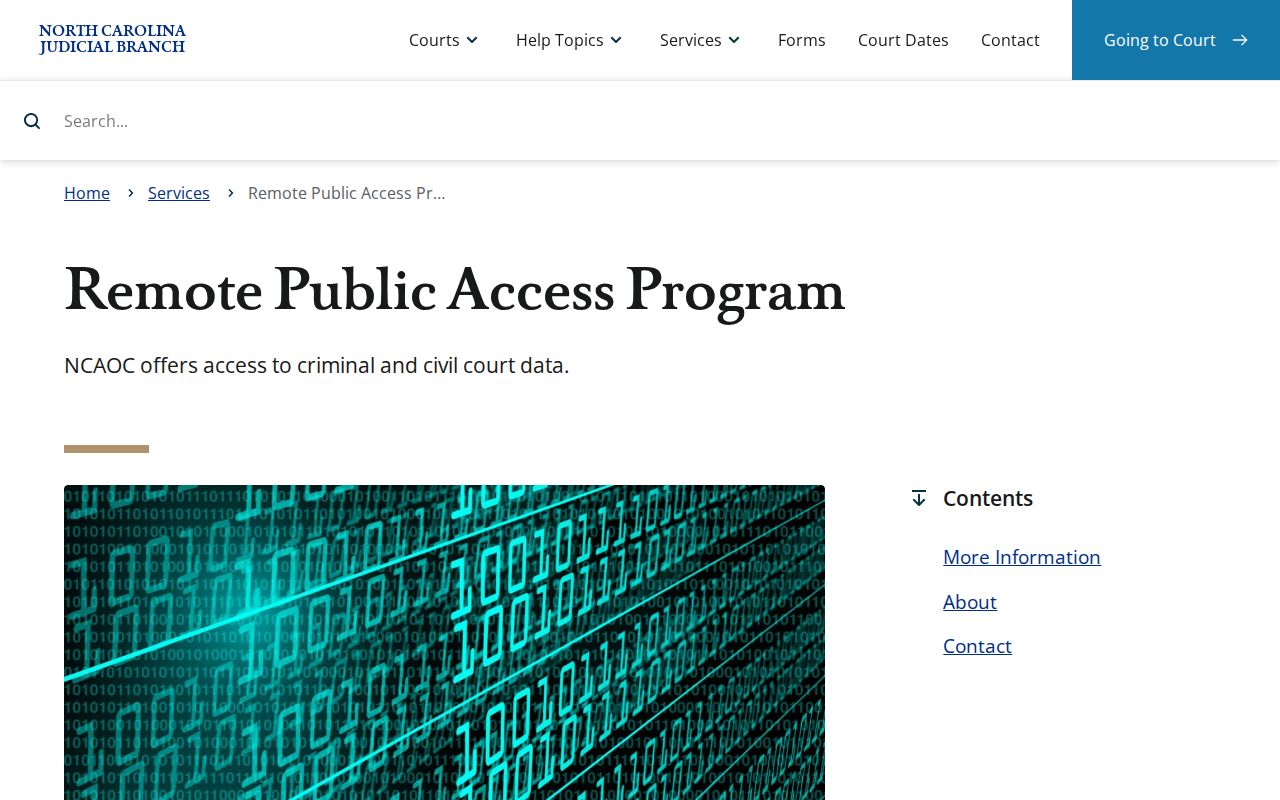
That program stands apart from a normal public Portal lookup. It does not shift the Clerk's role as the official keeper of the record.
Buncombe Civil Court Docket Judgment History
NC Judgment Search works as an index. Search it by party name or case number. A hit can show the case number, disposition status, index date and time, parties, and judgment comments. For the whole story of a Buncombe civil case, go back to Smart Search. Open the Case Summary there. One timing rule matters here. A money judgment in Buncombe County stays valid for 10 years, and it can be extended for another 10 years. Those rules describe a judgment's life span. They are not a shortcut around reading the actual case record.
| Post-judgment item | Buncombe detail |
|---|---|
| Writ of execution | Clerk order directing the Sheriff to seize or sell property to satisfy a judgment; $25 for the writ plus $30 Sheriff service. |
| Foreign judgment | Recorded with the Clerk; the debtor has 30 days to object after notice. |
| Official judgment copy | Request a Clerk-certified copy when an official court-stamped version is required. |
The Buncombe Civil Division spells out local judgment, writ, and foreign-judgment details.
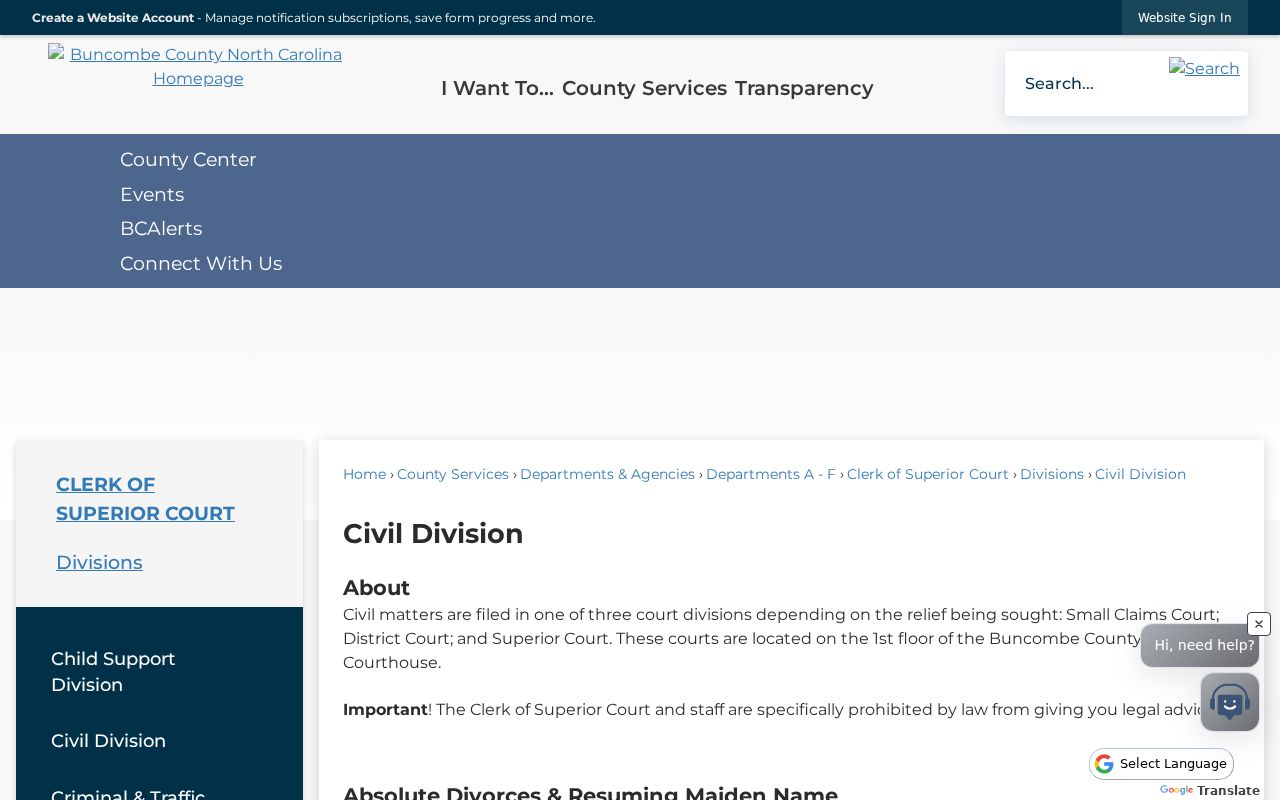
The Civil Division page separates the judgment and enforcement process from the public docket timeline.