
How the Buncombe County Court Calendar Works
Buncombe does not lean on one court-date channel. The sharpest, most case-specific option is the Hearings block inside a Portal Case Summary. Portal Search Hearings is built to return current hearing locations and times. The county also posts weekly Criminal Superior Court calendar PDFs by category. When a posted calendar and the web record disagree, the division coordinator or the Clerk can settle which setting stands. Remember the rule: a case's current order or a Clerk-confirmed setting beats any general schedule.
Grab the case number first. It rides on a citation, a notice, a summons, or an earlier court paper. It links your calendar question to the correct Case Summary. A citation may list a first date. But later Case Events can carry a new hearing. Treat the calendar as a moving picture, not a stand-in for the latest case entry. The North Carolina eCourts Portal is the official public entry point for a Buncombe case's Case Summary and hearing information.
From the Portal's Case Number result, open the Buncombe hearing block and the latest Case Events.
Buncombe Court Schedule Has Four Checks
Four checks, four jobs. Run them in order and a stale calendar loses its power to mislead you. The Case Summary shows what the current case history displays. Search Hearings returns the live place and time. Weekly local criminal calendars flag a Superior Court session. Staff and the Clerk handle local confirmation when a record needs a human read.
| Channel | Best use | Important limit |
|---|---|---|
| Portal Case Summary | Latest Case Events and hearings for one case | Public Portal information is not the official court record |
| Portal Search Hearings | Current hearing location and time by a selected search value | Dynamic hearing and courtroom choices must be read live |
| Weekly criminal calendar PDFs | Criminal Superior Court trial, plea, or motion session context | An addendum can alter the earlier posted list |
| Coordinator or Clerk | Resolve a conflict or unclear setting | The caller should identify the correct case and court division |
Need the name or case number first? The linked Buncombe docket search page handles that lookup before you chase the date. Remember, the case record and a calendar list answer related but different questions.
Buncombe County Court Date Lookups
A thorough court-date lookup presses every documented channel into service. The Portal carries the online case history. Search Hearings runs the current hearing search. Buncombe's local schedules layer in weekly Criminal Superior Court information. The web can fall short. Then the civil coordinators, the Criminal/Traffic office, the Clerk counter, and the public terminals form the local fallback. Represented parties should also ask their attorney about any scheduled appearance.
- Keep the citation, notice, or complete case number and open Portal Smart Search to find the Case Summary.
- Read the most recent Case Events and the Hearings section. Do not treat a past row as the current court date.
- Use Search Hearings with Buncombe, the available hearing type, search type, matching value, and a date range to check the current time and location.
- For Criminal Superior Court, compare the file with the weekly Trial, Trial Addendum, Motion and Plea, or Plea Addendum calendar.
- If the result is unclear, call Civil Superior at 828-259-6479, Civil District at 828-259-6475, or Criminal/Traffic at 828-259-3402; a Clerk counter or public terminal can help with a local file question.
This sequence also shows why a posted general calendar cannot settle a single case question. What establishes the answer is the newest hearing row, later case events, and a confirmed division contact. That is the best current result.
Buncombe Court Schedule Search Hearings
Search Hearings is its own Portal tool. Do not confuse it with a Smart Search result list. Set Buncombe as Location and pick a Hearing Type. Then choose a Search Type, supply the matching search value, and fill in Date From and Date To before you submit. The official guide flags required controls with an asterisk. Menus can shift over time, which is why copied lists of local courtrooms or hearing types would mislead you.
| Location | Required. Select Buncombe for a Buncombe court setting. |
|---|---|
| Hearing Type | Required. Read the available dynamic menu rather than assuming a fixed local code. |
| Search Type and value | Required. The tool supports case number, party, business, attorney, bar number, judicial officer, or courtroom paths. |
| Date From and Date To | Required in the illustrated Portal searches; use the range that covers the date in question. |
| Result row | Check its displayed date, time, location or courtroom, and hearing information before relying on it. |
North Carolina's state calendar search is another official calendar interface, reached here from the Buncombe court context, and it complements the Portal's hearing tools.
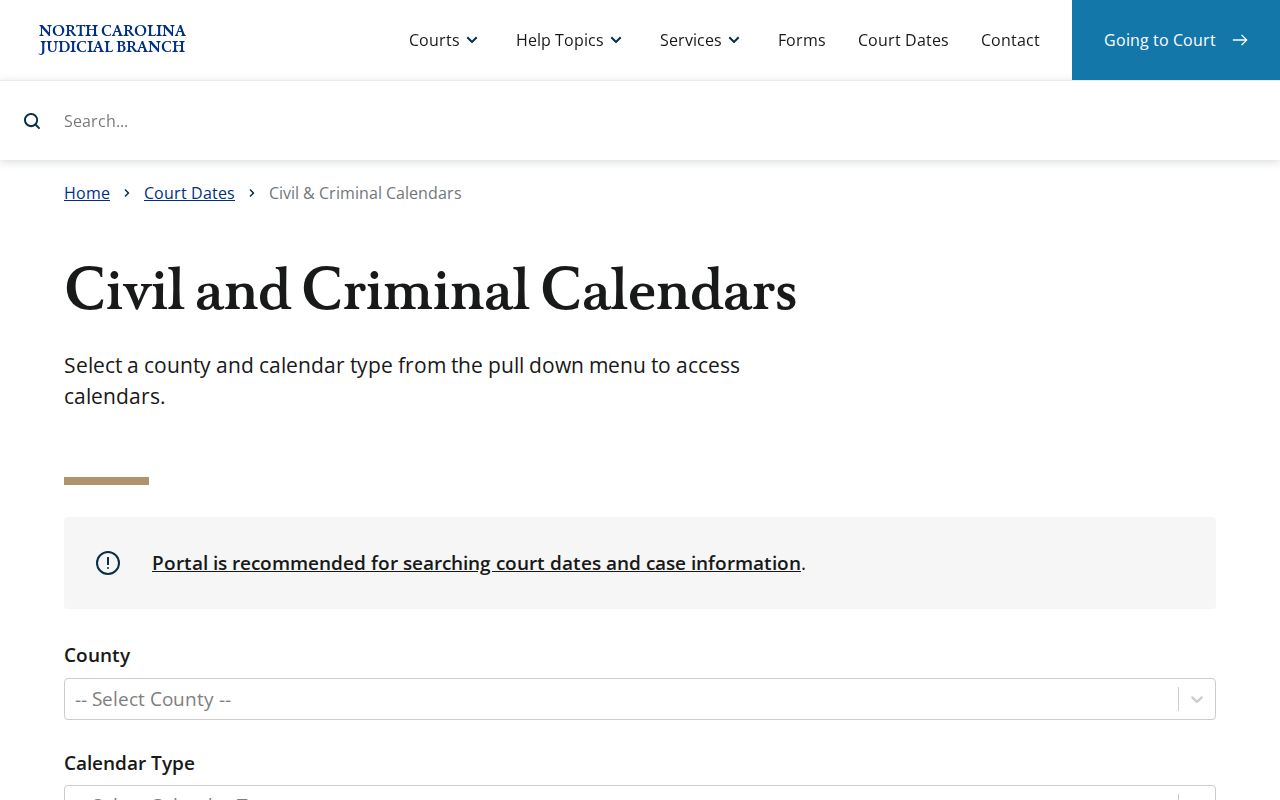
The state calendar interface is a search channel. For case history, the Portal record stays the more specific source.
Court Settings: What Each Field Means
A court setting is simply a scheduled court event. Trials, motion hearings, plea proceedings, and other listed events all count. Read the current hearing row beside the latest Case Events, because a case can keep its historical settings after a later change. The Portal's public guide publishes no fixed Buncombe roster of judges, hearing types, or courtrooms. Trust the displayed record over an assumed label.
| Date | The scheduled calendar date displayed for the current hearing result. |
|---|---|
| Time | The displayed time for the setting; it should not be presumed to be a trial start without checking the hearing information. |
| Location or courtroom | The court location or courtroom shown in the Portal result or current case information. |
| Judicial officer | A live search option or displayed value when the hearing data includes it. |
| Hearing information | The event type or description shown for that current setting. |
The reading order is simple. Find the newest event, read the current hearing row, then confirm through the proper calendar or staff channel whenever something does not match.
Buncombe Court Schedule Calendar Categories
The names on Buncombe's weekly Criminal Superior Court schedule carry meaning. A Trial Calendar flags cases set for a trial session. A Trial Addendum supplements it. A Motion and Plea Calendar groups motion hearings with plea dispositions. A Plea Addendum supplements that plea list. Superior Court Probation Violations can show up as its own listed session. None of these labels replaces the current Case Summary.
- Trial Addendum
- A later supplement to the Trial Calendar and a signal to check both documents.
- Motion and Plea
- A calendar category for motion hearings and plea dispositions.
- Plea Addendum
- A later supplement to the posted plea calendar.
- Administrative Settings
- A locally posted category that may show “none at this time” without resolving a specific case date.
Buncombe local administrative schedules publish the weekly criminal-calendar categories.
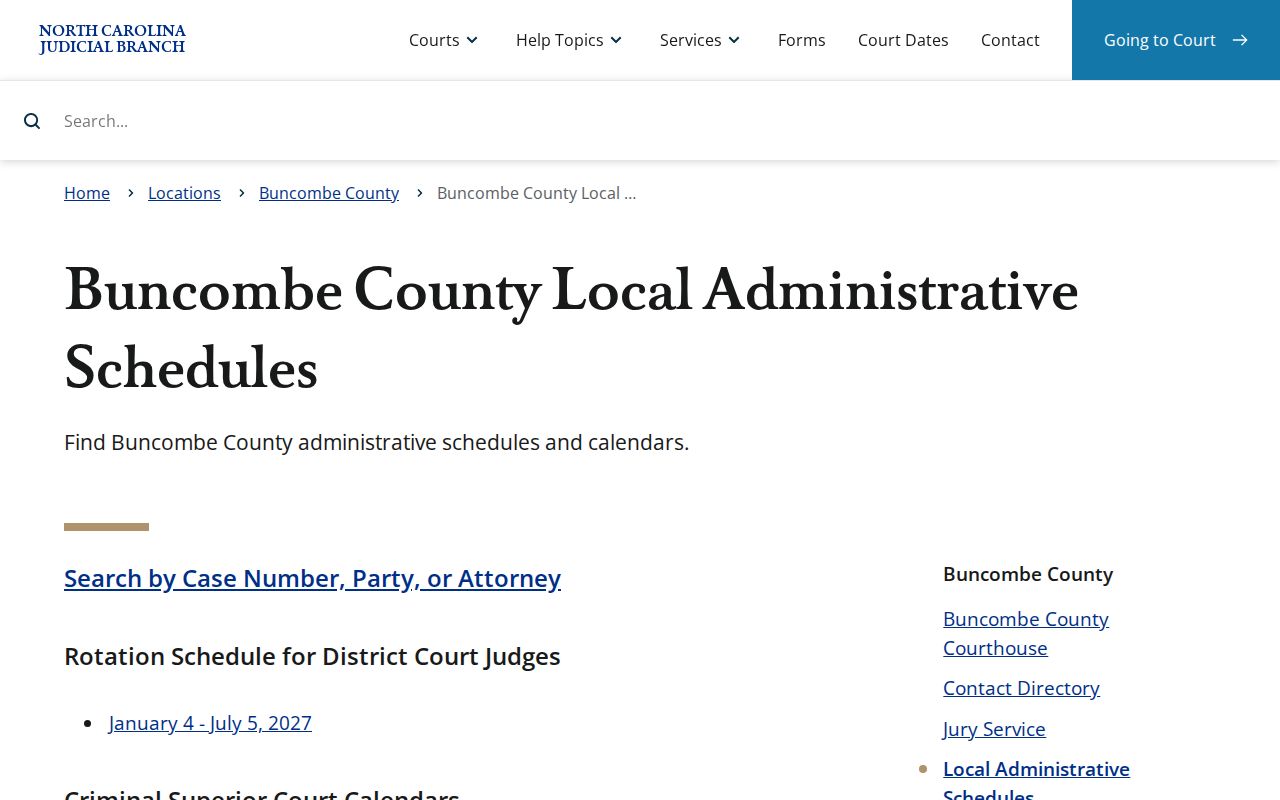
The local schedule gives session context and addenda, but the case's latest hearing entry still needs confirmation.
When a Court Date Moves
Court dates in Buncombe County do shift. A continuance, a cancellation, a reset, or a later order can all move a setting. The docket usually catches up through a later Case Event, an order, or a calendar addendum. For criminal matters, Buncombe's local continuance policy demands good cause. Agreement between the parties, slow discovery, a late change of counsel, or simple unpreparedness will not usually carry the day on their own. The judge always keeps the final call. The docket entry records what happened, not what anyone hoped for.
Civil cases follow a different rhythm in District 40. Once 120 days pass from the last pleading, the Trial Court Administrator puts the case on the next available trial calendar. The oldest case number generally gets listed first where priorities allow. That rule sets a place in line, though. It guarantees no trial date. Check the newest hearing row and case event on the docket. Those rows carry the current setting.
Note: A disappeared or changed calendar date never means a case was dismissed.
Buncombe Court Schedule Continuance Checks
Moved settings call for a phone call to the right division. Civil Superior Court cases go through the Civil Superior Trial Court Coordinator at 828-259-6479. Civil District Court cases go through the Civil District Trial Court Coordinator at 828-259-6475. Criminal or traffic settings belong to Criminal/Traffic at 828-259-3402. A call is worth the effort whenever a docket event or addendum leaves the new date unclear.
The Clerk's office and the coordinators keep the records and calendar information. But they cannot give legal advice. Nor can they promise that a continuance will be granted. Have the case number and division handy before dialing. With those details, staff can pull the actual case record. That beats guessing from a broad calendar category.
Missed Settings and What Comes Next
A missed setting needs prompt attention. Start with the current Case Summary and the Search Hearings result, then call the coordinator or Clerk office for that division of the court. Criminal and traffic cases can bring swifter consequences than a civil matter. So treat those with extra urgency. Still, never assume a case closed just because the displayed court date came and went. The docket record plus a staffer's confirmation will tell you the real status. It also shows the next administrative step.
Do not wait on a missed date. A missed criminal or traffic setting can lead to a failure-to-appear consequence, an order for arrest, or bond action. Contact Criminal/Traffic at 828-259-3402 for a criminal or traffic court-date question, and consult a licensed attorney about the case-specific effect before appearing.
A citation or notice often lists only a first date. The hearing row and Case Events on the docket can change it later. For civil matters, call the correct coordinator line and keep proof of any filed request or order that moved the schedule.
Buncombe Court Schedule Historical Checks
Weather and operations notices are a reason to double-check a setting, not a lasting rule for Buncombe County cases. Hurricane Helene operations in October 2024 made the point. Buncombe District and Superior Courts stayed open. Still, they expected heavy continuances. The courts gave priority to certain in-custody and first-appearance matters, and continued October civil Superior Court trials. Civil motion hearings ran over Webex. Courthouse computer space opened to the public. Those measures belonged to that stretch of time alone.
The episode explains why a later case event, a hearing row, a calendar addendum, and staff confirmation all deserve a look after any disruption. It does not make Webex, continuances, or special priorities automatic for a case today. The Hurricane Helene Buncombe operations notice sets out the 2024 circumstances in full.
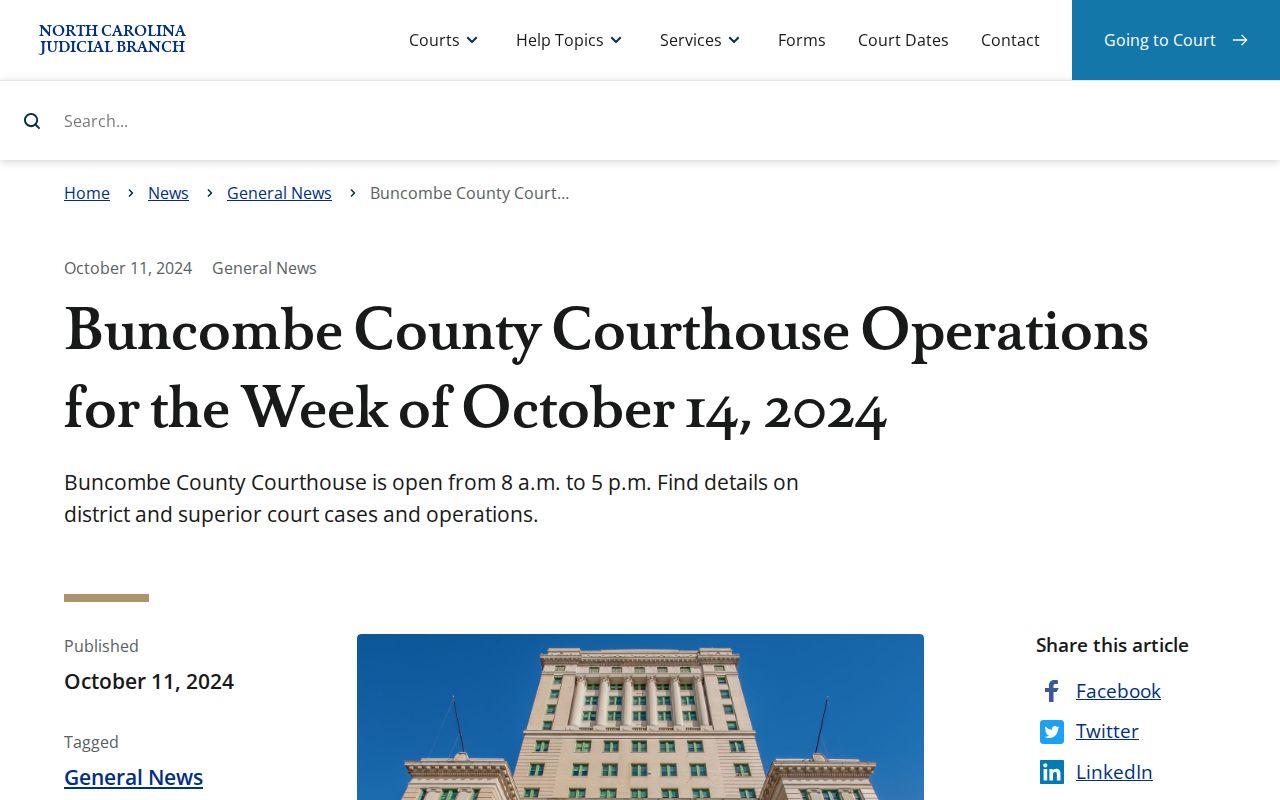
That old notice is a lesson in checking, nothing more. It is not current Buncombe County calendar policy for any docket today.