
Name-Based Case Searches
Most people begin a Buncombe County docket search at the North Carolina eCourts Portal Smart Search. No account is needed for public material. An anonymous user may search and view it freely. Registering for File & Serve only matters if you plan to e-file. Type the person or business name into Search Criteria first. Then apply the Buncombe location and case filters to cut down a statewide return. A party search surfaces public cases, though ordinary public results omit victims.
- Open Smart Search and enter a party name in Search Criteria.
- Use Advanced Filter Options only after supplying that basic search value.
- Select Buncombe as the location where offered, then narrow by case type, status, or filing-date range.
- Open the linked case number and compare the latest Case Events and Hearings before relying on a setting.
The search fields accept far more than names, so a narrow identifier usually beats a broad surname. Reach for a number or a unique detail whenever one is at hand.
| Field | Type | Required | Buncombe use |
|---|---|---|---|
| Search Criteria | Text | Yes | Start with a party name or case number. |
| Filter by Search Type | Dropdown | No | Includes party, case, citation, attorney, business, cross-reference, and nickname options. |
| Location | Dropdown | No | Select Buncombe to avoid statewide duplicates. |
| Case Type, Status, Filing Date | Dropdown or date | No | Refines a search after basic criteria are entered. |
Buncombe Docket Search Smart Search
Portal training resources walk you through Smart Search. That is your doorway into a public Case Summary or Register of Actions. Narrow the results however you like. Filters cover party name, record number, citation number, attorney name or bar number, business name, cross-reference number, or even a nickname. One catch applies. The advanced filter never works alone. It only refines a basic search you have already run. The guidance also warns against a certain choice. Skip Party Name in the advanced Search Type for a plain name lookup. That choice shrinks results and blocks wildcards.
Smart Search shows public court information only. For a stamped or certified copy, contact the Buncombe County Clerk of Superior Court. That office handles those requests.
A Judicial Branch training page shows the Buncombe docket search tools. It also lays out how the public Case Summary workflow unfolds.
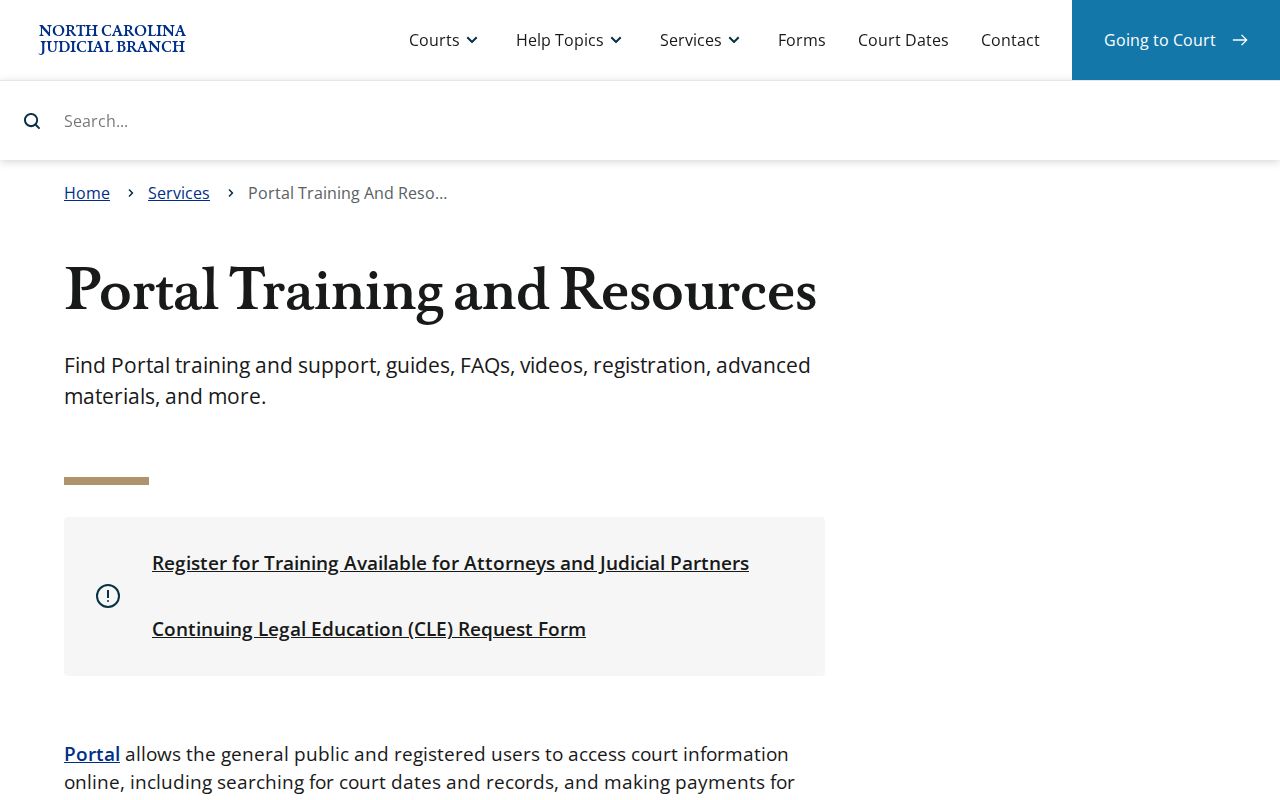
Before opening any Case Summary, check your filters, the training material advises. That habit pays off when several cases share a similar name.
Case Number Searches
Nothing beats a full court number for a Buncombe County docket search. Copy it from a citation, summons, notice, or prior court paper. Don't guess a county suffix. Enterprise Justice training breaks the number into four parts. There is a two-digit year, a two-letter case type, a six-digit sequence, and a three-digit county identifier. The sample 21CR000003-910 shows that shape only. It is not a Buncombe case number. A case-number wildcard needs four characters before the asterisk. No full number handy? Run a name plus the Buncombe location, then compare case type, status, and filed-date range. That keeps a lookalike statewide result from passing as the local file. The Portal's case type filters cover Civil Actions, Criminal Actions, Estates, and nonconfidential Special Proceedings.
Buncombe Docket Search Filters
Common surnames bury the useful results, and filters are the cure. After entering Search Criteria, pick Buncombe as Location. Then, as needed, add Case Type, Case Status, and a filing-date range. The live status choices shift with case type. Read them in the Portal rather than guessing from a fixed list. Business and nickname wildcard searches demand at least four characters. For a person, the published rule wants at least three last-name characters followed by *. It also wants at least one first-name character followed by *. The Portal never returns more than 200 matches. A 200-result message means your query is broad. Refine the location, status, type, or date range instead of scrolling. Treat the cap as a signal. It is not a complete answer about every Buncombe County case.
Case Search Results Explained
Click a case number and the Case Summary, or Register of Actions, opens. The public layout is not one flat list. Case and assignment information sits apart from parties. Causes of action, Case Events, Hearings, Dispositions, and Financial Information appear when relevant. A missing block usually means the case has nothing in that category. Always read the newest event beside any displayed hearing. That way an old setting doesn't get mistaken for a current one.
| Case and Assignment | Case information, status, filing-related data, and court assignment when recorded. |
|---|---|
| Party | Public party information and roles; public results exclude victims. |
| Causes | Shown when relevant, including some civil, family, probate, and mental-health matters. |
| Case Events | The chronological public history of filings, orders, hearings, or other court action. |
| Hearings and Dispositions | Current or past hearing entries and recorded case outcomes when populated. |
| Financials | Financial Information appears when applicable and should be checked again after payment. |
The Portal landing interface is the route to this public Buncombe docket search view.
Portal information builds a useful public timeline. The Judicial Branch does not treat it as the official court record, though.
Buncombe Docket Search Legacy Events
Buncombe's switch to Enterprise Justice, the Portal, and e-filing took effect July 22, 2024. The eCourts Track 5 transition notice records it. Case events from before that date converted into Portal. Converted timestamps can display as 12:00 a.m., Portal guidance says. That quirk reflects the migration, not a midnight hearing. When the online event sequence doesn't settle an older question, a Clerk terminal or paper-file check may still help. Read a converted timestamp alongside its event description and the case's later hearing entries. Never treat it as a new court setting.
Two Ways to Search: County and State
Buncombe County cases live in a single statewide system. North Carolina runs one eCourts platform for every county, so there is no separate Buncombe civil or criminal database to hunt down. Start with Smart Search. Narrow it to Buncombe County and open the full public Case Summary for the case you want. Need judgment details instead? That is the second layer. NC Judgment Search takes a party name or case number and lets you filter by case type, status, location, and judgment date. Treat its results as an index only. For the full case timeline and the current financial block, go back to Smart Search.
| Route | Best use | What it returns |
|---|---|---|
| Smart Search with Buncombe location | A local case, citation, party, or case number | Public Case Summary/Register of Actions and related public material. |
| NC Judgment Search | Locating a judgment by name or case number | Index fields including case number, parties, disposition status, index date/time, and comments. |
| Search Hearings | A current setting | Public hearing location and time after required search controls are completed. |
Buncombe Docket Search Judgment Index
The judgment index shines when you have a name or case number. Use it when you want a judgment-focused answer. It spans civil, family, small claims, special proceedings, criminal, and miscellaneous entries. A location filter lets you narrow the results to Buncombe County. That keeps the docket search manageable. Once the index hands you a case number, switch over. Smart Search opens the fuller Case Summary. You are never stuck with index fields alone. The Judicial Branch court-costs page adds fee context. It plays no part in how a public case surfaces in Portal.
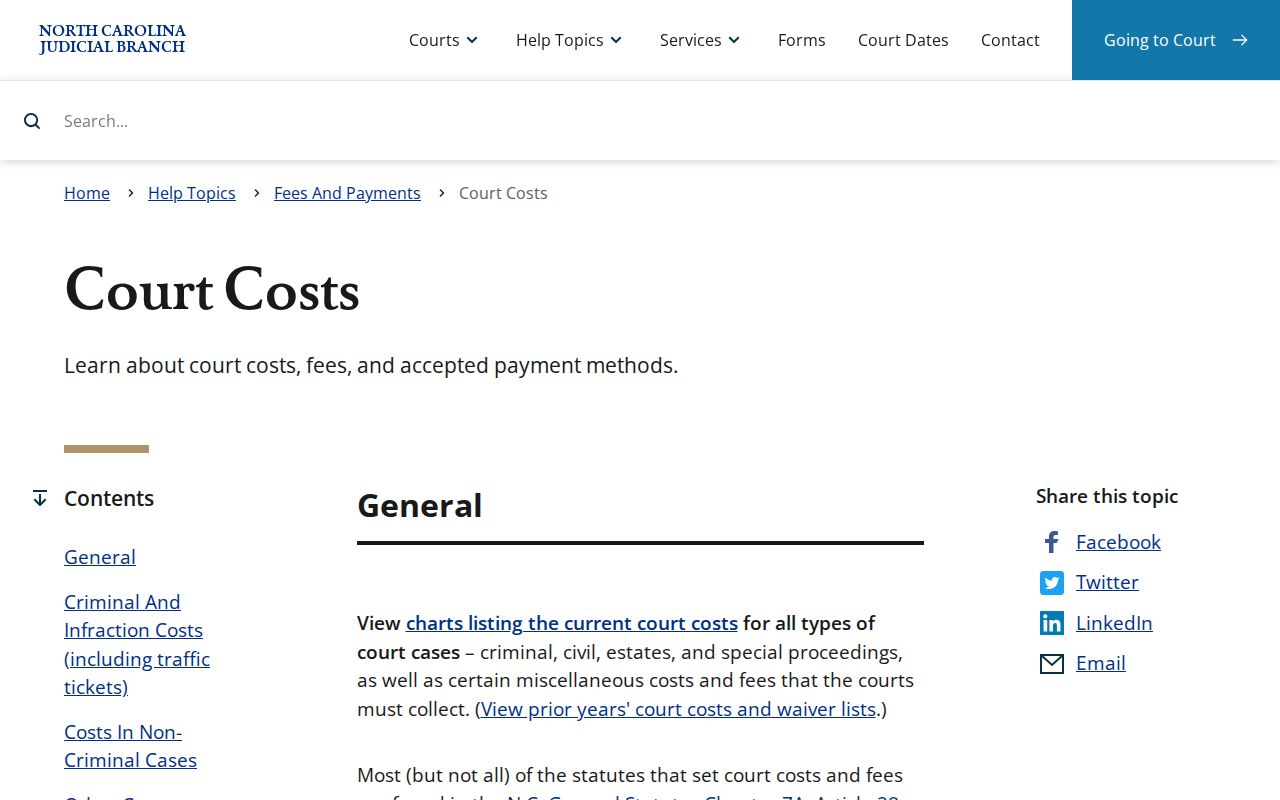
Want an exact balance or a certified copy? Check the current Case Summary first. Then ask the local Clerk for whatever record you need.
Which Cases Stay Restricted
Public Portal access stops at certain doors. Sealed and expunged matters never appear online. Juvenile delinquency records are withheld under G.S. 7B-3000, which also spells out its own authorized access. The same goes for abuse, neglect, and dependency records under G.S. 7B-2901, unless an authorized route applies. Some sensitive identifiers are masked too, or simply unavailable.
A no-match result can mean many things. Misspelled names, a wrong number format, the wrong location, a record that has not posted yet, a paper-file issue, or a legal restriction can all hide an entry. It does not prove the court file is absent. Access to restricted material rests with the Clerk, the governing statute, and any court order. The NCAOC public-records policy draws its own line, noting that agency records and county case files answer to different custodians.
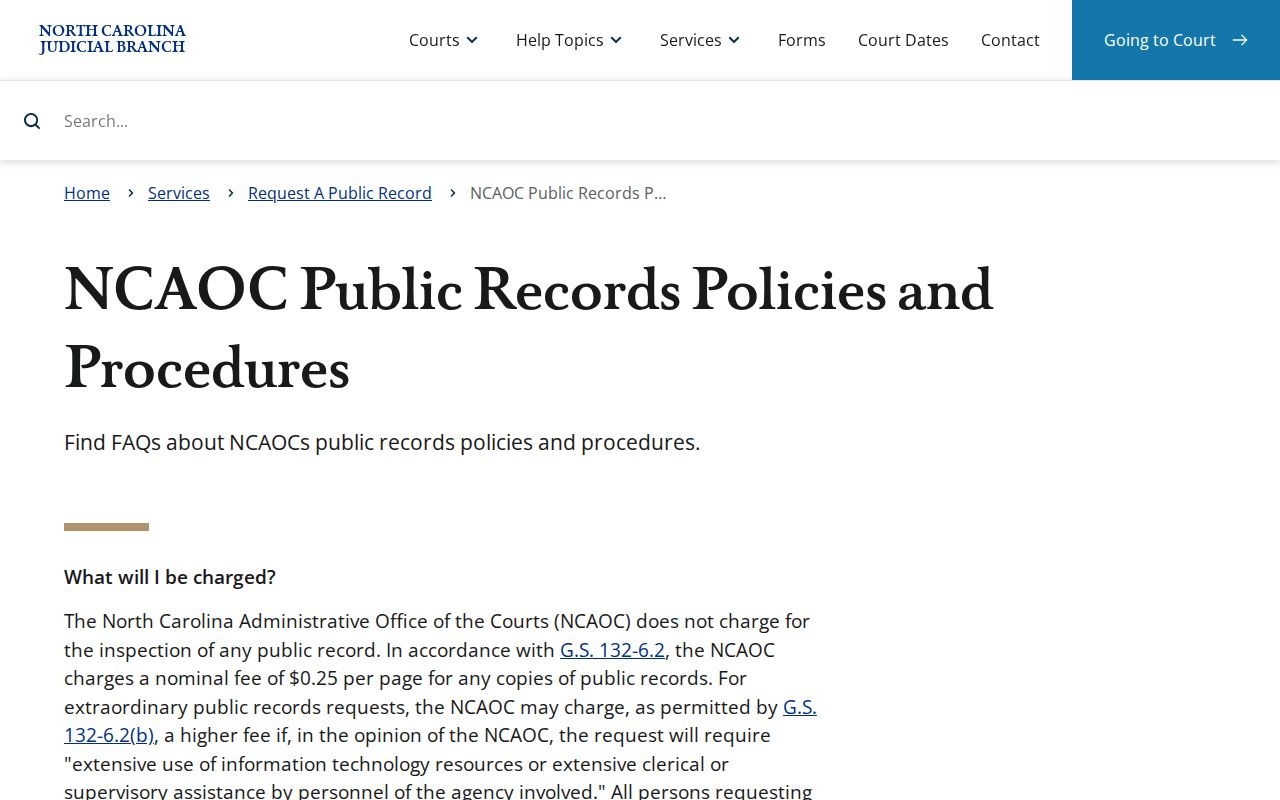
That policy makes the split plain. A restricted or local case-file question goes to the proper court custodian, not to a general agency-record request.
Buncombe Docket Search Fallbacks
If the online trail goes cold, head to the Buncombe County Courthouse. The Buncombe County Clerk of Superior Court sits at 60 Court Plaza in Asheville. State guidance puts public self-service terminals in a clerk's office. Paper files stay in the county where the case lives. Criminal and traffic questions go to 828-259-3402; civil-file questions go to 828-259-6367. Before you visit, ask for the right division. Bring a case number or party name too.
The Buncombe contact directory lists the division and coordinator numbers you need when a docket search calls for staff help. The Buncombe County court landing page gathers local court services and notices that can affect a hearing or case lookup question.
When you need the record behind a public timeline, go to the Clerk. Do not treat a Portal printout as official. The related Buncombe County court case records page sorts out the difference between a Case Summary, a filed document, and a certified copy.
One last note. The Judicial Branch public-record request form covers agency records. It is not for copies of a Buncombe court file.
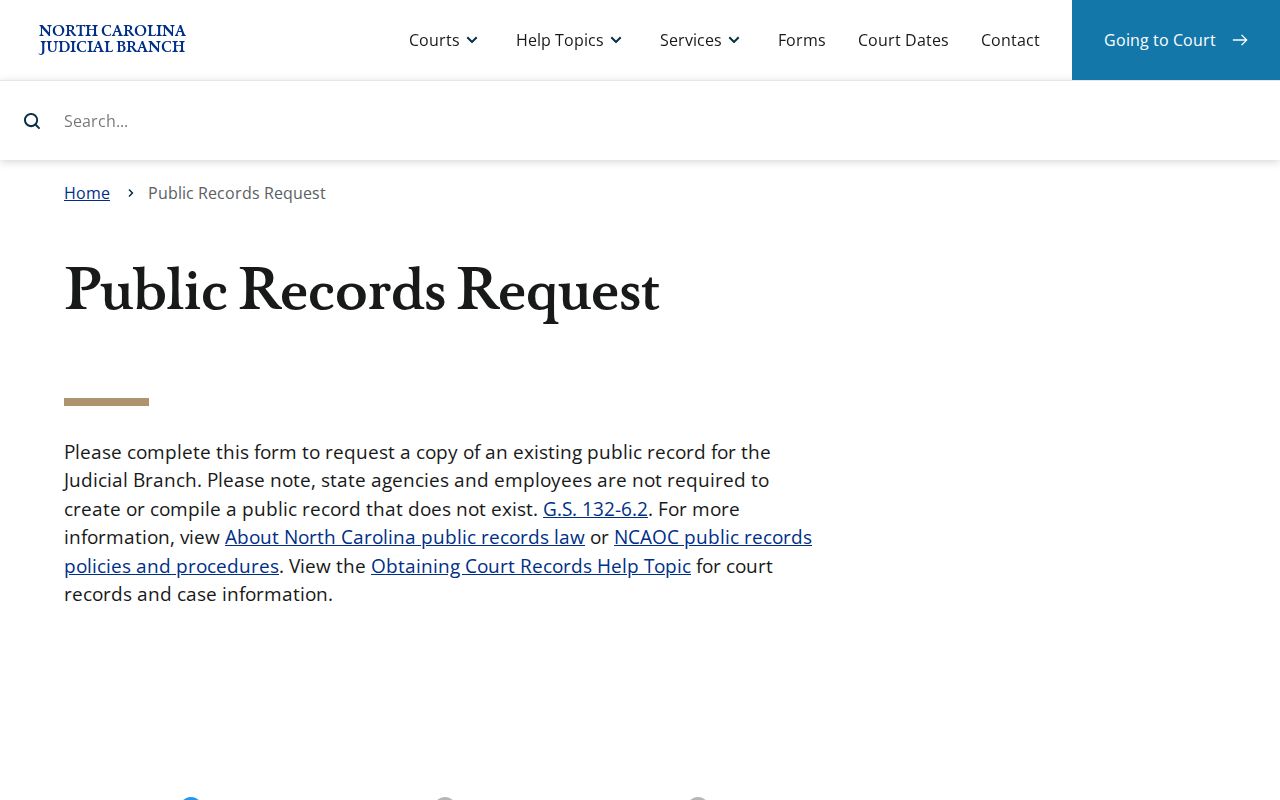
Keep the channels straight. A Buncombe County case file belongs with the local Clerk. Save the agency request channel for Judicial Branch agency records outside the court file.
Note: Call first. No published source gives a universal case-copy form. None sets a turnaround period, or an ordinary-copy identification rule.