
Buncombe County Criminal Docket Searches
Begin at the North Carolina eCourts Portal. Choose Smart Search there. You can type a full case number, or run a name search with careful spelling. No account is needed for anonymous public searching. Copy the case number straight from a citation, notice, summons, or other court paper rather than guessing a county suffix. For a broad name search, pick Buncombe among the location choices and apply the case filters after entering your basic criteria.
- Open Smart Search and use the case number or party name as the basic search criteria.
- Choose Buncombe as the location when the filter is offered, then narrow by Criminal Actions or another supported filter if needed.
- Open the Case Number result and read the Case Summary, also called the Register of Actions, rather than relying on the results list alone.
- Compare the newest hearing or Case Event with Search Hearings, a weekly criminal calendar, or the Clerk when a future court date matters.
One query returns at most 200 results. If you see a notice that 200 results came back, narrow the name, location, case type, status, or filing-date range. A web result helps you spot public activity. But it is not the official court record. The court's own system is what counts. The eCourts Portal hosts the official Buncombe criminal court docket search interface for case lookup.
Click the Case Number link to open the Buncombe criminal Case Summary and its current public entries.
Buncombe Criminal Division Serves Two Courts
The Buncombe County Clerk of Superior Court keeps the criminal case files for the county. Its Criminal and Traffic Division enters cases and citations. It records dispositions and judgments. It also builds calendar information for both District Court and Superior Court. One shared office does not mean one shared court route. Where a case lands depends on its type. So read the Assignment Information and current case details before assuming anything from a charge description alone. That step prevents most mix-ups between the two divisions.
| Criminal route | Typical Buncombe matters | Useful confirmation path |
|---|---|---|
| District Court | Misdemeanors, infractions, and ordinary traffic matters | Portal Smart Search, Search Hearings, or Criminal/Traffic at 828-259-3402 |
| Magistrate | Preliminary criminal work and specified waivable matters | Portal and the Clerk; Criminal Magistrate is 828-250-4690 when appropriate |
| Superior Court | Felony cases | Portal plus weekly Criminal Superior Court calendar categories |
Superior Court is formally the North Carolina General Court of Justice, Superior Court Division. Buncombe District Court, the magistrates, and Superior Court all sit together. All sit within the unified General Court of Justice. An appeal claiming trial-court legal error goes up to the North Carolina Court of Appeals. It never becomes a new county case in the Portal.
Note: A state citation written by a city follows the Buncombe District Court path. There is no separate Asheville or town criminal-court database.
Criminal Dockets: What They Show
Open a public criminal Case Summary and read from the top down. Fresh entries deserve more weight than older settings. The Portal shows a block only when the case has information for it. So a blank block does not prove a missing record. Public results also leave out victims. And a listed financial item, by itself, does not establish a final judgment. Nor does it prove a payment was received.
| Case and assignment | Case number, case type or status, and court-assignment information when the record contains it. |
|---|---|
| Party information | Public party and case information as displayed by the Portal. |
| Case Events | Dated chronological activity. Use the live label instead of expanding an unverified abbreviation. |
| Hearings | Displayed hearing information, including location or time when populated; confirm a future setting. |
| Dispositions and financials | Outcome and financial blocks only when present. A Clerk copy is needed for an official document. |
The court system has plain names for these pieces. The online overview is a Case Summary or Register of Actions. The dated history items are Case Events. Use those terms instead of inventing a local code glossary. Statewide reporting labels like CR, CRS, and IF appear in reports. They mark criminal District Court, criminal Superior Court, and infractions. Still, they never replace the assignment information in the actual record.
Buncombe Criminal Court Docket Calendar Labels
Buncombe's local administrative schedules post Criminal Superior Court PDFs by weekly category. Treat them as a session-level confirmation tool. For any particular case, the Case Summary and its hearing row remain the best check. The county publishes Trial calendars and Trial Addendum calendars. It also posts Motion and Plea calendars and Plea Addendum calendars. An addendum tells you the earlier list may have been supplemented or changed. So always check for one. Do not trust the first posting alone.
- Trial Calendar
- A weekly list for a Superior Court trial session.
- Trial Addendum
- A supplement to the posted Trial Calendar that should be read with the original list.
- Motion and Plea Calendar
- A weekly category that groups motion hearings and plea dispositions.
- Plea Addendum
- A supplement to the published plea calendar, not a replacement for the live case record.
Only after you know the division and event type should you open the Buncombe local administrative schedules. That page may say no administrative settings are posted right now. A missing posting does not erase a case-specific Portal hearing or a Clerk-confirmed setting.
Criminal Case Stages on the Docket
A criminal docket records events, not a promise that every case walks one identical path. The usual sequence orients you. But the live Case Events and court orders control the particular matter. Cases can move through charging. They can also show a hearing, motions, a plea, a trial, a judgment, sentencing, probation activity, or an appeal-related entry. Read the exact label on the screen. Guessing at abbreviations only invites error.
Filing → Arraignment → Pretrial → Plea or Trial → Disposition → Sentencing
Use the newest hearing record before calling any date active. A continued matter can keep old events on the docket. It may also add a later entry or hearing row. If a financial block appears, a reported balance is not the final judgment. Need a stamped record? Request the proper copy from the Buncombe County Clerk of Superior Court.
Buncombe Criminal Court Docket Treatment Cases
Buncombe County runs two treatment tracks inside District 40. They are Adult Treatment Court and Veterans Treatment Court. Neither one builds its own public municipal docket. The criminal case underneath stays in the ordinary Criminal and Traffic Division and the North Carolina eCourts Portal. So the case number and Case Summary are still the right place to start. Program files can hold details that are not public. That is one more reason to lean on the standard docket record first.
For program questions, call the directory numbers. Adult Drug Treatment Court is 828-250-6491 and Veterans Treatment Court is 828-259-6601. The Adult Treatment Court listing for the state confirms Buncombe as a District 40 location. Keep the roles straight. A program contact can talk about schedules and eligibility. But the Clerk and the Portal are where a public docket history and an official court-file copy come from.
Buncombe County Criminal Docket Courts
Know the division before you run a Buncombe criminal docket search. District Court takes misdemeanors and infractions. Magistrates, meanwhile, handle preliminary criminal work and certain waivable matters. Felonies belong to Superior Court, which posts sessions by category. The Portal can surface public information across all of these routes. Still, the separate calendar tools shine for Superior Court.
Need a criminal or traffic court date fast? Call Criminal/Traffic at 828-259-3402. The Clerk's counter and self-service terminals sit at 60 Court Plaza. That helps when an online result is thin or the file is old or paper. Start with the Case Summary, then fall back to the counter or terminal. A county case file kept by the Buncombe Clerk does not fall to the state Administrative Office of the Courts.
North Carolina's court structure overview lays out what Superior Court, District Court, and magistrates each do. That framework explains the assignment system. It is assignment, not a loose description of alleged conduct, that drives where a case lands.
Buncombe Criminal Docket Gaps Need Checks
A blank Portal result does not mean no Buncombe criminal file exists. Check the spelling first. Then check the case-number format and the location filter. The case may be old. It may sit in a paper file, be filed under a different searchable criterion, be filed in another county, or be restricted from public view. Also, do not confuse the Portal with File & Serve. That system handles e-filing. Ordinary Portal searching is the public-access route to court records.
Still stuck? Call Criminal/Traffic at 828-259-3402. You can also pull the file at the Clerk's counter or public terminal. If you need a document rather than a timeline, gather the case number. Bring the caption, the exact document name, and whether you want a plain or certified copy. A failed search is just a failed search, never a final legal conclusion.
Note: The Clerk can explain record access and copy routes. The Clerk cannot give legal advice about a criminal disposition.
Access Rules for Criminal Dockets
North Carolina opens its court records and docket indexes to inspection through the Clerk, unless a law makes a record confidential. The Portal carries public material and nothing more. Sealed, confidential, and restricted files stay out. It also skips public Social Security-number validation. So a missing web return is not an expunction, not without Clerk confirmation or a court order.
Public access has limits. G.S. 7A-109 requires the Clerk to maintain court records and generally permits inspection unless law prohibits access. G.S. 132-1 sets North Carolina’s public-record baseline. Juvenile delinquency records are restricted by G.S. 7B-3000, and abuse, neglect, and dependency records are restricted by G.S. 7B-2901.
An expunction order is handled under the applicable law, including the notification provisions in G.S. 15A-150. Eligibility depends on the charge, disposition, and other facts.
North Carolina sets out its criminal procedure and expunction rules in Chapter 15A of the General Statutes. The clerk follows that framework for criminal court dockets in Buncombe County.
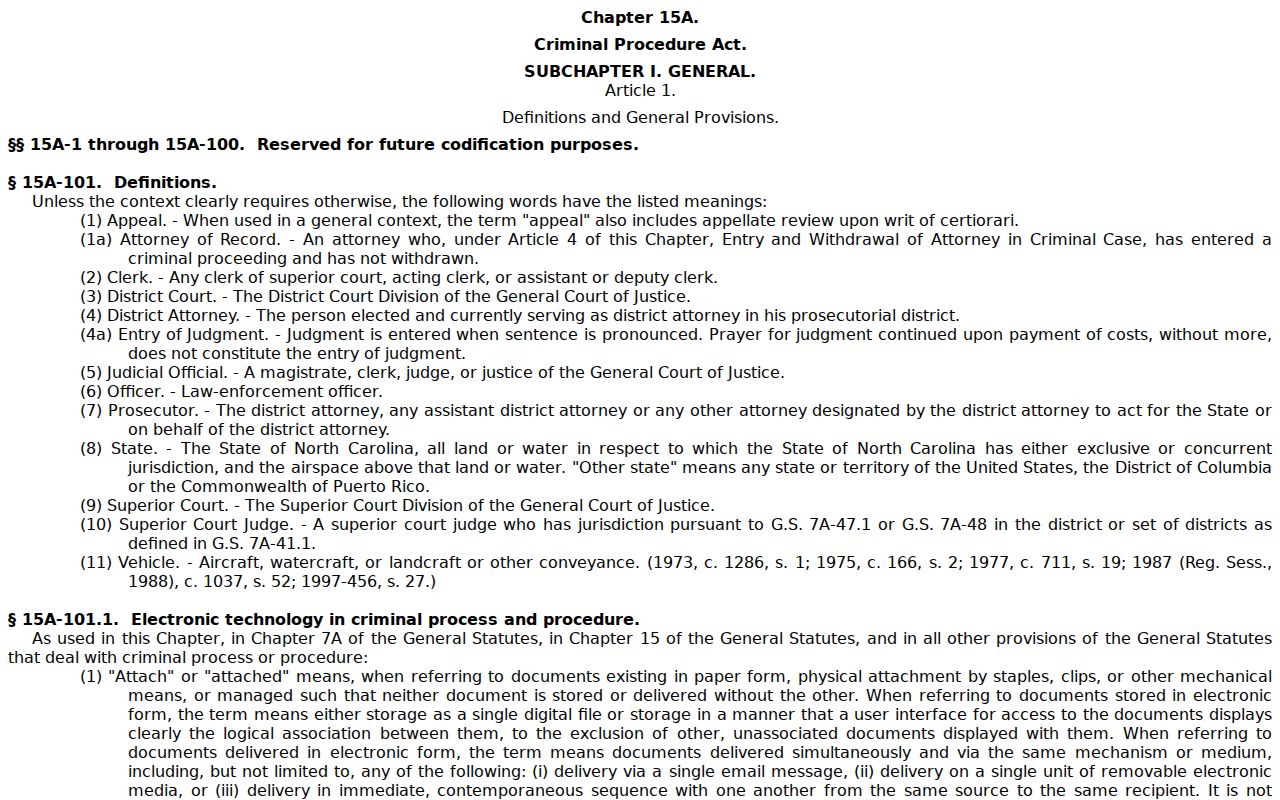
The statute source frames the access boundary and expunction discussion. It does not open restricted individual files to the public.
Buncombe Criminal Court Docket Verification
Buncombe joined eCourts Track 5 on July 22, 2024. That shift brought Enterprise Justice, known as Odyssey. It also added the Portal public layer and File & Serve e-filing. Legacy case events were converted over, and some older converted entries carry a midnight timestamp. Treat that as a migration artifact. It is not proof the event happened at midnight.
The Portal gives a near-real-time public Case Summary. Yet the Judicial Branch says it is not the official court record. For a stamped or certified copy, go to the Buncombe County Clerk of Superior Court. The split is simple: use the Portal to spot public activity. Ask the Clerk for the official copy when the court-issued form itself matters. The eCourts Track 5 transition notice documents the Buncombe conversion in detail.
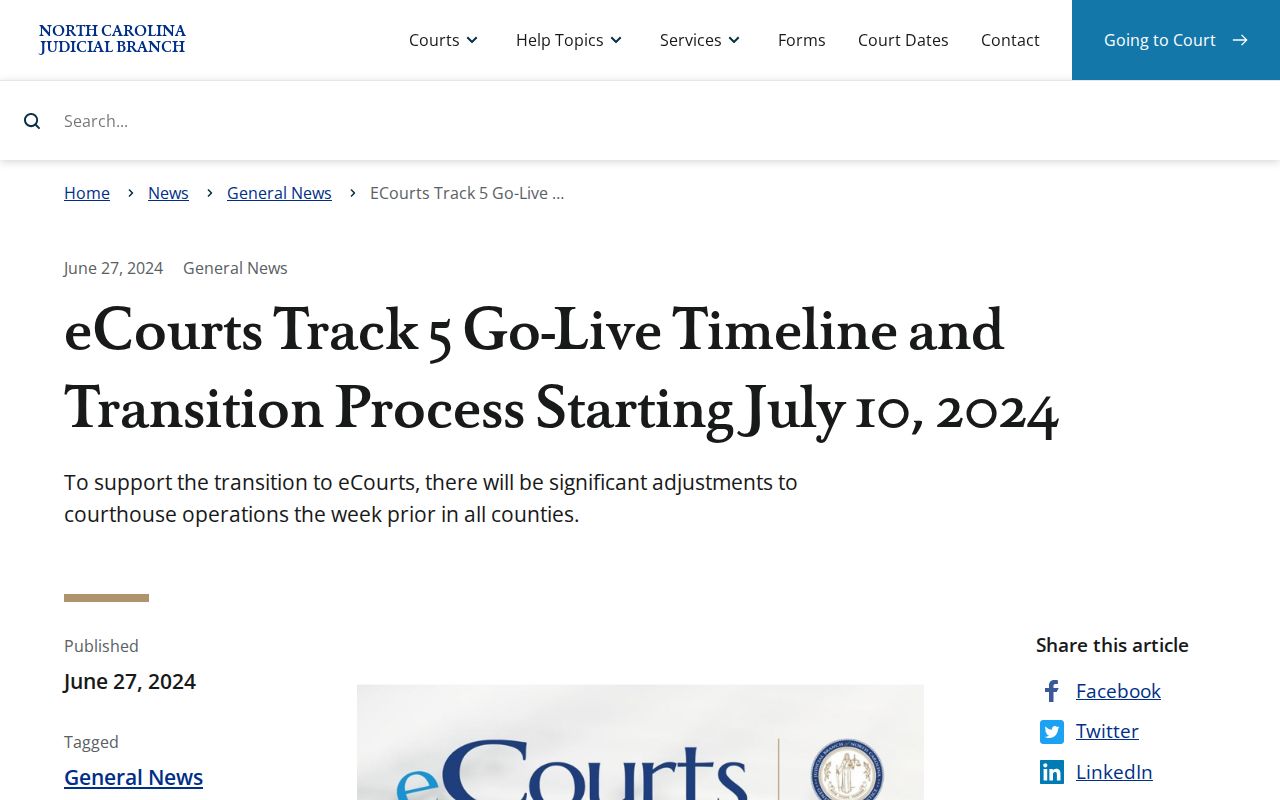
The transition explains where the public Portal timeline comes from. The Clerk stays the county's official criminal-record custodian. North Carolina's criminal and infraction county reports add reporting context for CR, CRS, and IF labels.
The reporting source names system categories only. For a particular matter, the individual Buncombe Case Summary remains the record to read.