
Buncombe County Court Record Requests
The right route for Buncombe County court records depends on what you want. Start with North Carolina eCourts Portal Smart Search for a public Case Summary. Need the real file? Visit the Buncombe County Courthouse and its Clerk of Superior Court. A public terminal and the paper or electronic file await inspection there. The counter handles copies, certifications, and questions by phone too. A mail inquiry works when it names the case and the exact document. Say whether you want plain, certified, or exemplified copies. Add how to reach you. Buncombe County publishes no single local copy form and no fixed turnaround. Call before you send any payment.
- Locate the case number or the parties through Portal or a prior court paper.
- State whether the request is for a Case Summary, a filed document, an ordinary copy, or an official copy.
- Contact the relevant Buncombe Clerk division by counter, phone, or documented mail inquiry to confirm the route.
- Ask about any fee, certification, delivery method, or local step before submitting payment.
Buncombe County Clerk of Superior Court
60 Court Plaza
Asheville, NC 28801
Criminal/Traffic: 828-259-3402
Civil Records: 828-259-6367
Buncombe Court File Choices
Three kinds of records here, and they are not the same thing. The Portal Case Summary, also called the Register of Actions, is an online public timeline. Case information, events, hearings, dispositions, financial entries, and links to public documents can all appear there. That depends on what the court makes available. A filed document is something firmer. It is the actual pleading, order, judgment, exhibit, or electronic file item. Then there is the certified copy, a Clerk-issued copy or certificate under seal. One caution matters. The Portal expressly is not the official court record. A saved web view never replaces a Clerk certification.
| Record | What it is | Usual route |
|---|---|---|
| Case Summary | Public case timeline and index | Portal Smart Search. |
| Filed document | The pleading, order, judgment, exhibit, or other case-file item | Ask the Buncombe Clerk that keeps the file. |
| Certified copy | Clerk-issued official copy or certificate under seal | Request from the Buncombe Clerk. |
Judicial Branch court-records guidance describes terminals, case files, copies, transcripts, and the county-custodian rule.
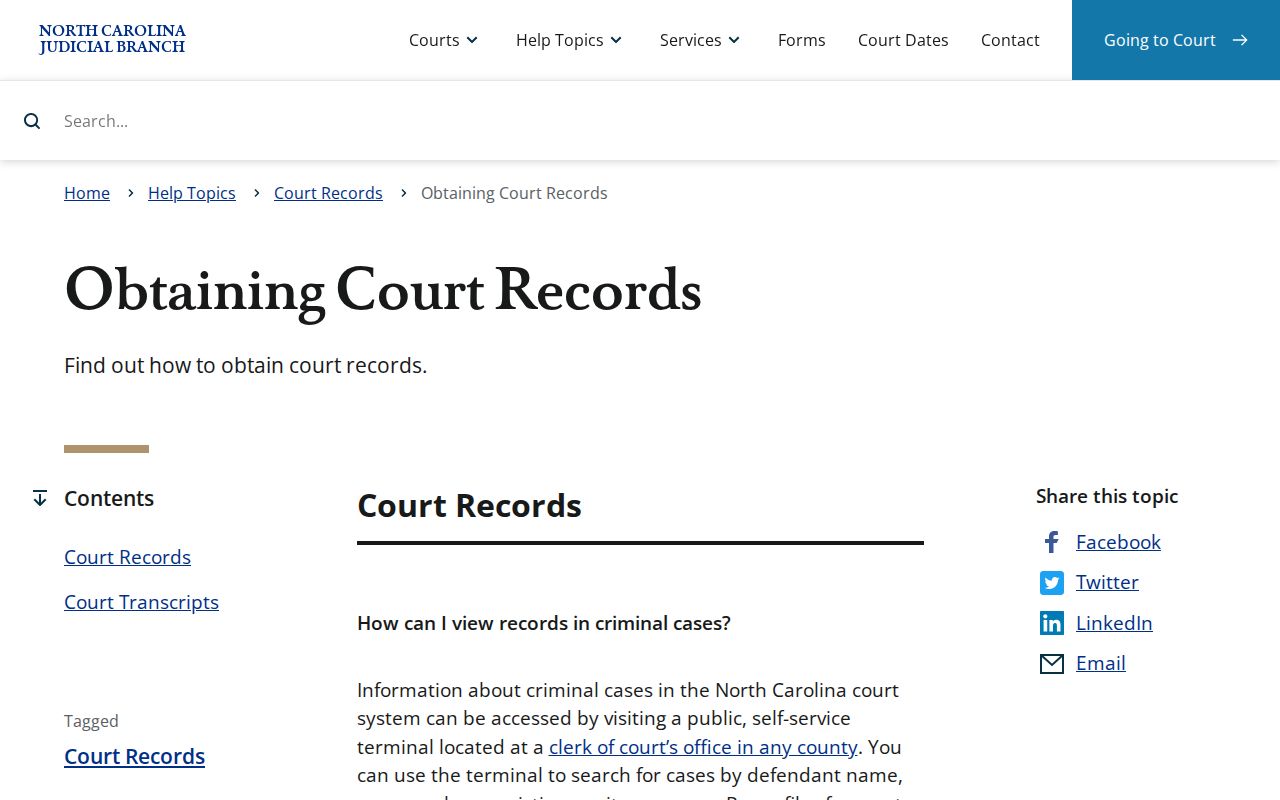
Official guidance points the same way. Even when the full case history sits online, the Clerk remains the source for the file itself and for official copies.
Kinds of Court Records
One Clerk serves all of Buncombe's courts. That office is the custodian for Superior Court, District Court, magistrate and small-claims, criminal, traffic, civil, estate, judgment, and special-proceeding files. Inside a case file you may find the public timeline plus every document filed or generated in that case. Which division you ask matters. Criminal and Traffic enters citations, cases, dispositions, and judgments for District and Superior Courts. Civil Records handles civil-file questions. When a Portal result leaves doubt, a public terminal at the clerk's office and the paper-file route in the file county still work.
- Criminal and traffic case papers, citations, and judgments.
- Civil pleadings, orders, judgments, and case events.
- Small-claims and magistrate proceedings.
- Estates and special proceedings that are public and nonconfidential.
- Case Summary, hearing, disposition, and financial information where available.
One caution fits here. A public category does not promise that every page in every file is open, since some documents carry restrictions or redactions.
Buncombe Clerk Counter Requests
Specificity pays off at the counter. Hand the Buncombe County Clerk of Superior Court the case number or caption, name the precise document, and say whether a plain copy will do or certification or exemplification is required. The courthouse sits at 60 Court Plaza. The statewide records page confirms that clerk offices offer self-service terminals and file inspection in the county where the case is located. A court-file question deserves the local Clerk rather than a generic records request, because the Clerk holds the case file and knows the right division. Buncombe's Civil Division information lays out the local route for District Court, Superior Court, and small-claims matters.
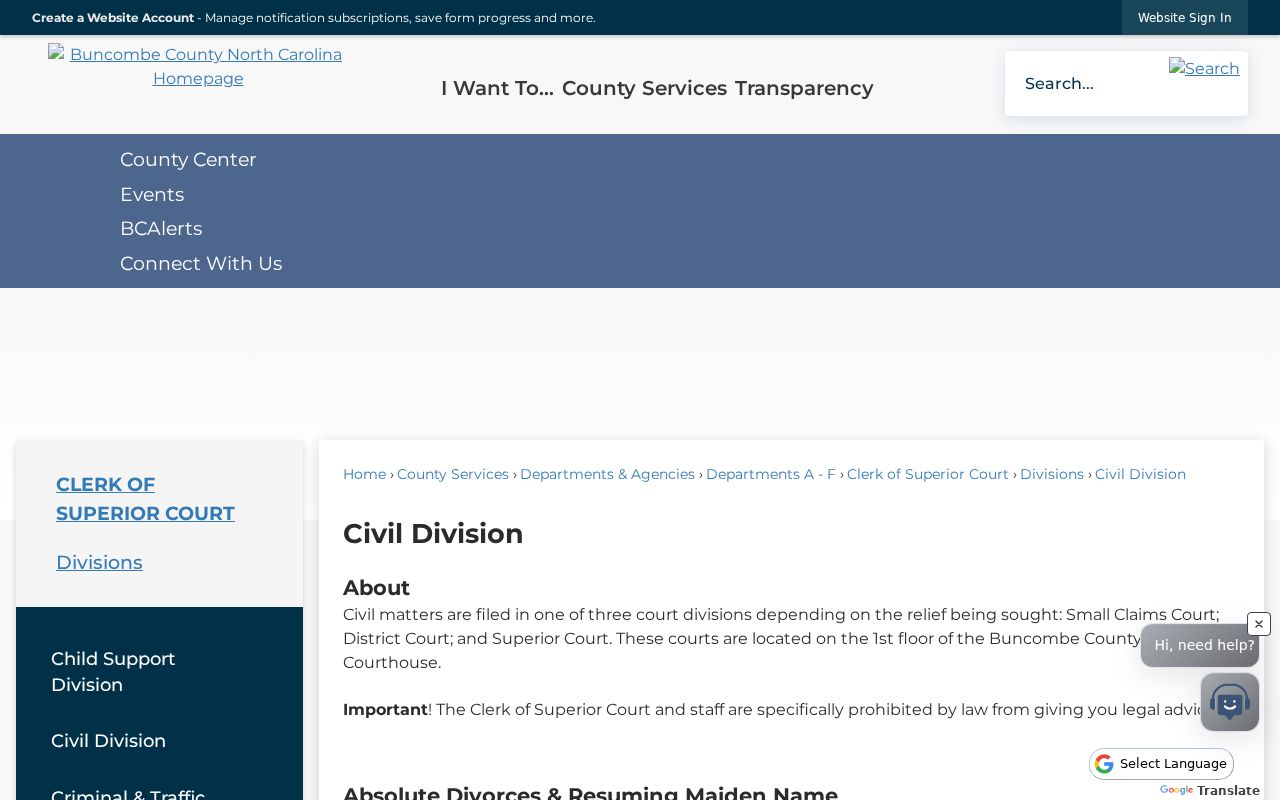
That division structure explains the first move. Know the case type before calling about a file, a copy, or a court-status answer.
Court Records: What They Contain
Think of the Case Summary as an index and a chronology. It is not a complete official packet. The case file may hold the underlying documents. Some blocks show up only when the case has that information. Causes of action, for instance, appear in civil, family, probate, or mental-health matters when relevant. Financial information shows only when it applies. For current status, rely on the newest case event or hearing listed.
| Case and assignment | Case number, case information, assignment details, status, and filing-related information. |
|---|---|
| Party information | Public party names and roles; public results exclude victims. |
| Case Events | Dated history of filings, orders, hearings, or other court action. |
| Hearings and dispositions | Scheduled or completed settings and recorded outcome information when populated. |
| Financial information | Financial entries when applicable, subject to later updates. |
| Filed documents | Actual pleadings, orders, judgments, exhibits, or other items held in the case file. |
Buncombe Court Audio Requests
A hearing transcript is not a docket entry. It is not the same thing as a transcript of judgment. Court reporters and transcriptionists set their own rates for transcripts. When a clerk or digital technician recorded audio of a nonconfidential hearing, you can request a copy through AOC-G-114. Pay the actual CD cost if it exists. Confidential matters need court permission first, through AOC-G-115. Name the case and the hearing in your request. Not every proceeding was recorded, and not every recording can be released. Ask whether an audio recording exists before treating an audio request as a substitute for a court reporter's transcript.
Copy Fees and Certification
The Buncombe Clerk's published fee schedule separates ordinary copies from certification and judgment-enforcement services. A plain document copy runs $2 for the first page. Each additional page is $0.25. A certificate under seal or certified copy is $3. The local schedule lists no per-page amount for that item. Exemplification costs $10 as a separate service, and so does a transcript of judgment. A writ of execution is $25, plus $30 for Sheriff service where needed. These are listed fees only. They do not promise that any particular document is public or ready on demand.
| Clerk service | Published amount | Use |
|---|---|---|
| Regular document copy | $2 first page; $0.25 additional page | Non-certified paper copy. |
| Certified copy or certificate under seal | $3 | Official Clerk certification. |
| Exemplification | $10 | Distinct official authentication service. |
| Transcript of judgment | $10 | Judgment record service, not a hearing transcript. |
| Writ of execution | $25 plus $30 Sheriff service where needed | Judgment-enforcement process. |
G.S. 7A-109 is the court-record statute shown in this Buncombe records source.
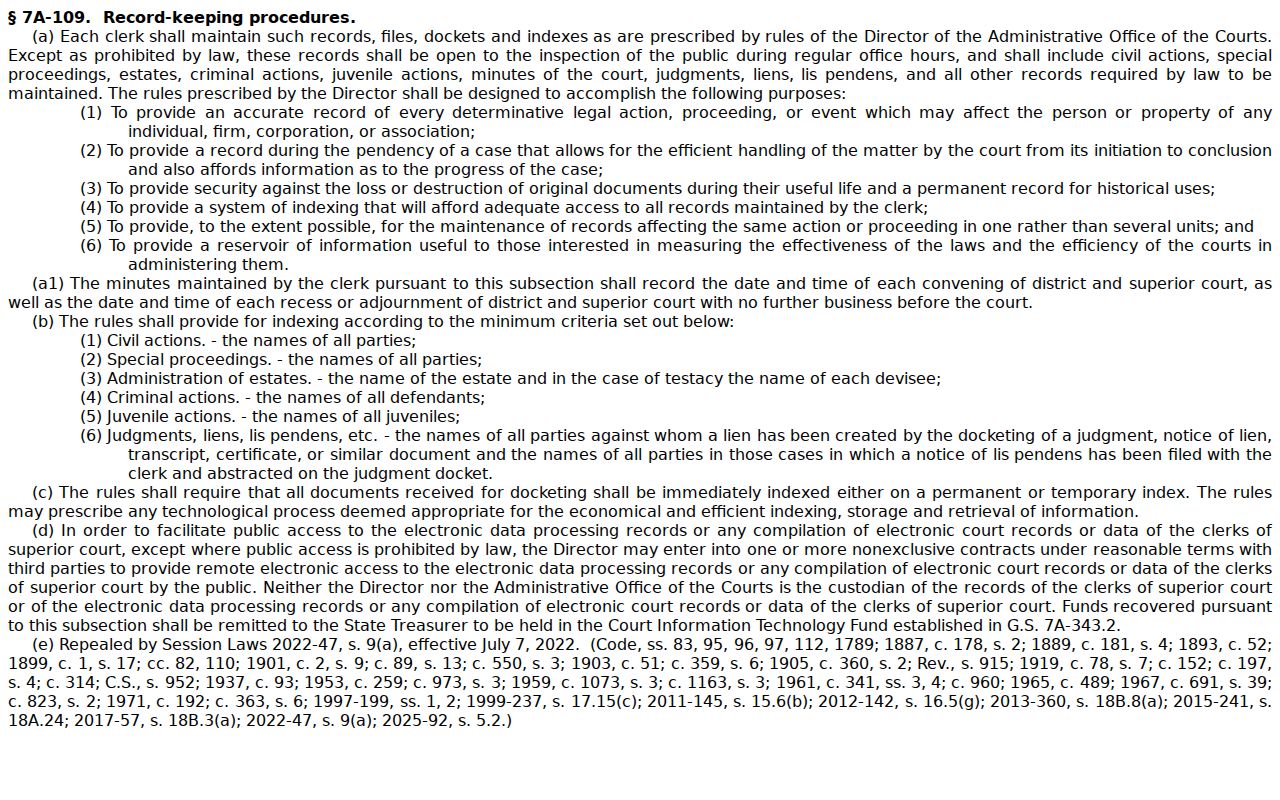
The statute governs the Clerk's record keeping and inspection duties. The local fee schedule supplies the published Buncombe copy amounts.
Buncombe Case File Fallbacks
A gap in the Portal does not close the door on a Buncombe County docket search. Older files, thin results, and unresolved cases still have a route. Try a public terminal. Or ask to inspect the paper or electronic file at the Buncombe Clerk in the county where the case sits. The Portal shows current public Case Summary data. But it is not the official court record, and Portal access never turns a restricted document into a public one. Ask the Clerk. The staff can point to the right case-file route. They can also say whether the item can be copied or certified. The Remote Public Access Program is a different animal altogether. It is a licensed channel for real-time and extract data. That page spells out its terms. It is no substitute for a county case-file copy request.
For one Buncombe file, the practical fallbacks still hold. Use the Clerk terminal, the file counter, or direct contact with the division.
Access Rules for Court Records
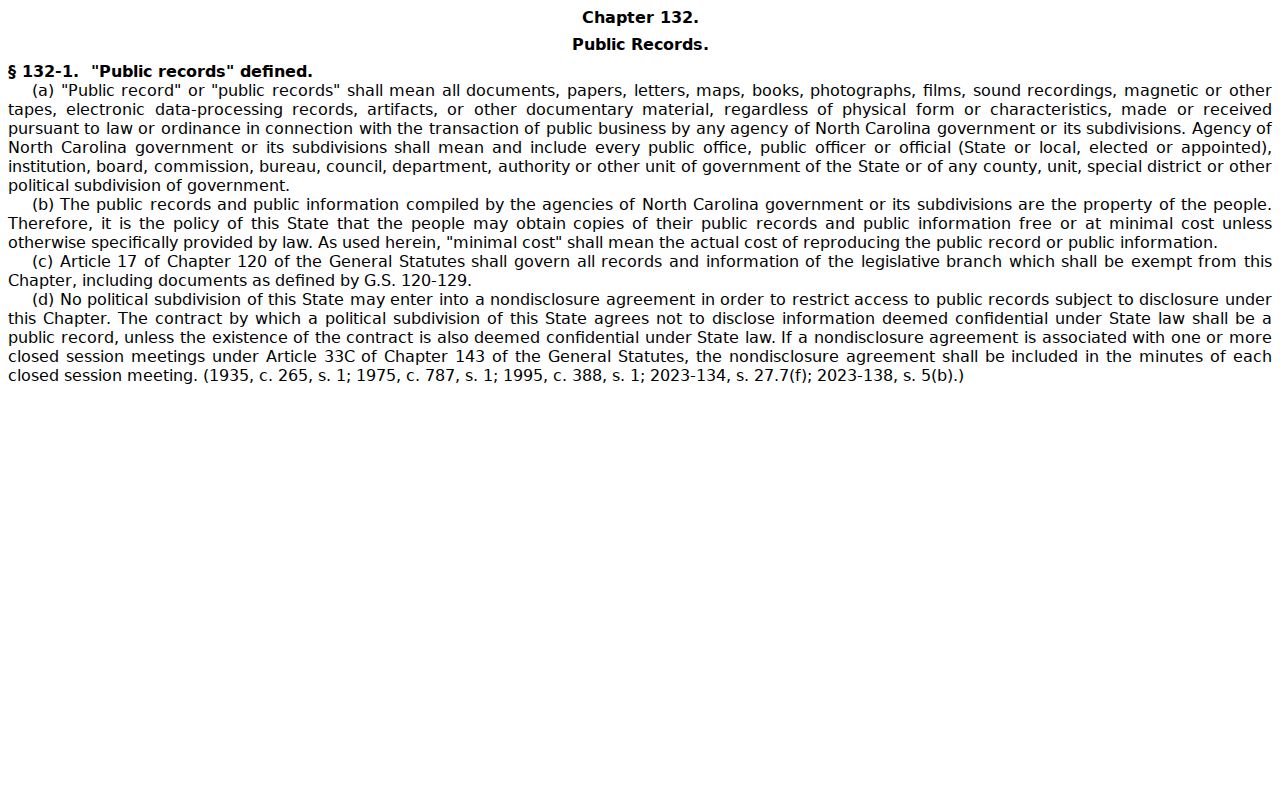
Access to court records in North Carolina starts with a duty. The Clerk must keep court records, files, dockets, and indexes open for inspection during regular hours. That duty holds unless a law says otherwise. G.S. 7A-109 is the core court-records provision behind that rule. G.S. 132-1 adds the public-records principle. Records belong to the public, and copies come at minimal or actual cost unless another law makes material confidential. For a Buncombe court file, the Clerk is the office to ask.
Public access has boundaries: G.S. 7B-3000 restricts juvenile delinquency records, and G.S. 7B-2901 restricts abuse, neglect, and dependency records. Sealed, expunged, confidential, and restricted material does not become public merely because a case name is known.
G.S. 132-1 sets out the public-records rule that sits beside the more specific court-file access rules.
Sometimes a law or court order restricts a file. Then the Clerk must honor that limit instead of issuing an ordinary public copy.
Buncombe NCAOC Request Limits
The NCAOC public-record request channel covers one thing only: existing Judicial Branch agency records. Requests go in online. Inspection costs nothing. Copying runs $0.25 per page, and extensive work can trigger an actual-cost special service charge. NCAOC does not hold county court documents or case information, though. A Buncombe court-file request belongs with the Buncombe County Clerk of Superior Court. A mail or phone inquiry should name the case. It should also name the document, the case status, and the copy type you want. NCAOC’s public-records policy lays out the agency-record process and the custodian distinction. Picking the right office matters. An agency-record process cannot issue a Buncombe file or its certification. Count on the Clerk’s direct route. No universal Buncombe case-copy form or fixed turnaround time is published.